You Asked How I Build My Sales Pages... So I Recorded the Whole Thing
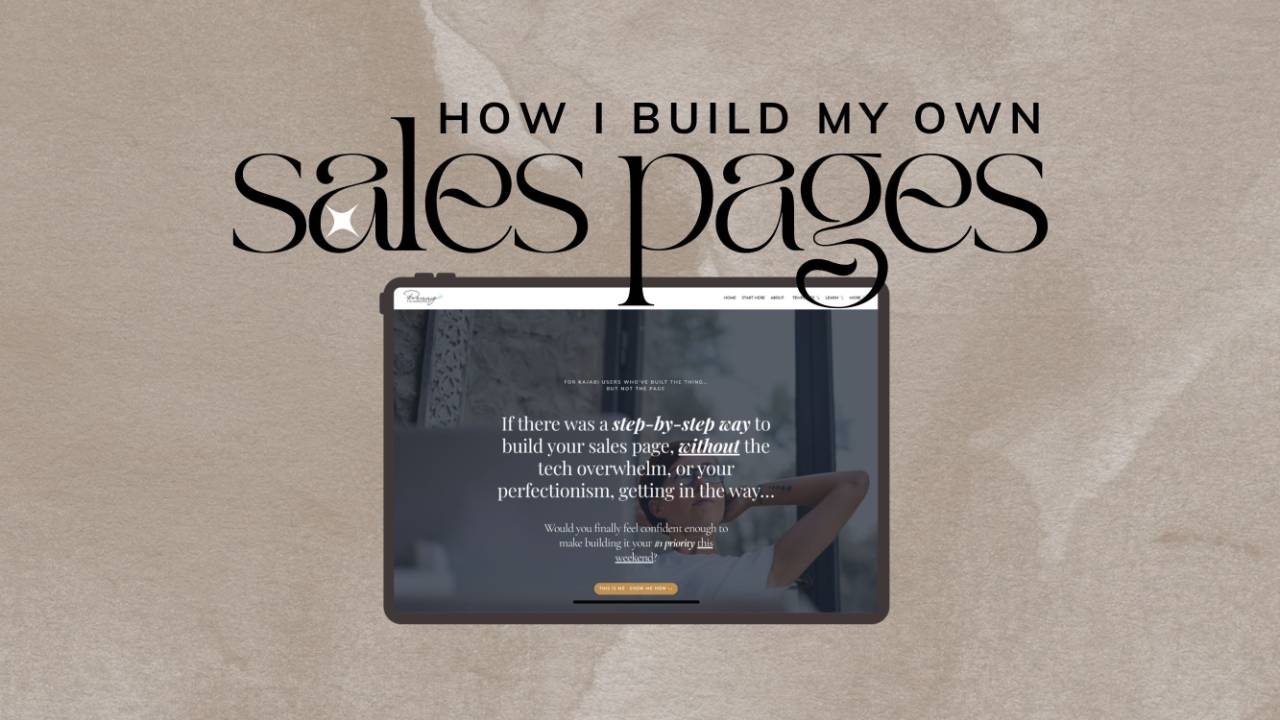
"How do you build your sales pages?"
I get asked this a LOT. Usually it comes right after someone says something lovely about one of my pages (which always makes my day 💕)… and then, "but how do you actually DO it?"
And for a long time my answer was… slowly.
Painfully. Over a handful of days, with a lot of back and forth and perfectionism getting in the way.
Because here's the thing.... by the time you get to the sales page, you've already run the race. You've built the course, the membership, the coaching program, every lesson and every little setting. You're SO close. And then there's one page left… and your batteries are flat, not even coffee can bring you back.
I can talk about my products all day long. But getting it all into words that make sense to you (and not in some nerdy-speak)... and then picking the pictures (the perfect ones of course).... Plus working out the price and then remembering I still have to build a checkout that matches… and a thank-you page… and a welcome email… 😩 OMG, I'm done. Just put me to bed and let me start this tomorrow.
Hmmm.... sooooo...... this time, when I finished building something new and the sales page was staring me down… I hit record.
Seven short videos. The whole thing, start to finish, exactly how I NOW do it. Mistakes and all.
Because... this is my new way, and you won't believe it unless you see it.
Grab a cuppa ☕ Here's what you're about to watch
- Why the sales page is always the hardest bit (4 mins)
- Start with your voice, not the design (8 mins)
- Pictures, picking a design, and the first draft (14 mins)
- Sending it into Kajabi (5 mins)
- Swapping in the right pictures once the words are in (4 mins)
- Why picture sizes make or break a page (10 mins)
- The checkout, thank-you page and welcome email (19 mins)
About an hour all up. Watch them in one go, or one a day with your morning coffee. Totally your call.
Video 1: Why the sales page is always the hardest bit
This is the "why". If you've ever finished building a product and then had nothing left in the tank for the page that's meant to sell it… this one's for you.
It's also where I explain why I built a tool to help me. And yes, it uses a little bit of AI to help with the words. But here's how I actually use it: like an assistant sitting next to me, reminding me of the things I'd forget. I'm not staring at a blank page anymore. I'm staring at a draft that's already partly in my voice, already in the right order down the page… and my job is to decide what stays and what gets rewritten.
That is SO much easier than starting from nothing.
Video 2: Start with your voice, not the design
I always start with the words. Not the design, not the pictures… the words.
Inside the Glow-Up Lab there's a spot where I've set up my brand once: my colours, my fonts, a few extra styles I like, my logo, and the kind of photos I like to use (bright and airy? dark and moody?).
But the bit that matters most for a sales page is my voice. I give it a piece of my own writing, up to 800 words. A blog post or an email that, if any of my people read it, they'd go "oh, that's SO Penny." The way I talk, the little things I always do, the emojis 🙌. That's what the drafts learn from. Your real writing, not something AI wrote first.
Then, for each thing I sell, I fill in a short profile: who it's for, the problem they want solved, what they want instead, and what makes mine different.
A Penny Tip: write this part yourself. Don't get AI to do it. The more of YOUR words go in here, the more the draft sounds like you on the other side.
Video 3: Pictures, picking a design, and the first draft
Before I touch the page, I go picture hunting. Not for specific photos yet… for feelings.
For this page I knew the story would start with someone exhausted (because that's who it's for) and end with someone free. So I searched for things like tired, typing, face-in-hands, celebrating… and someone heading off for a spa day because they finished their sales page early. 😉 Just browsing photos gives me ideas for the page I hadn't even thought of.
Then I open The Runway. It's the part of the Lab that builds sales pages, and it holds all my best-selling sales page designs. I tell it which site, the price, and which profile to use. Then I pick a design. For this one I went with Viola & Wallace, because it's a nice long page with room for the whole story.
It pulls my brand colours in for me, I chose a softer button shape, and then it writes the first draft from my profile.
(Not an AI person? Skip that step. Go straight to Kajabi and write every word yourself. Nothing forces you to use it.)
Jump to around 8:20 for my favourite bit: pictures. Every photo spot on the page is listed by name. For each one you can pick from your Kajabi media library, search the free stock photos that are built right in (you can even search by a colour), or upload one from your computer straight into your library… without ever leaving the page you're on.
Video 4: Sending it into Kajabi
A few quick choices first. Do I want the photos in that moody black-and-white magazine look, or full colour? How many benefits? Do I want a bonuses section? Testimonials? Two price options?
And here's a little secret that makes this work for anything you sell…
You don't have to use a section for exactly what it's called. My product isn't a course, so I don't have modules. But I kept the "modules" section anyway and used it for other things. The "bonuses" section shows two extras that come with The Runway. And the "payment plan" section? I used it to show two ways to buy. Coaches, memberships, programs… think about what YOUR version of each section could be.
Then I give the page a name and web address. The Lab drafts the title and description Google shows (I'm SO lazy about this bit, so I love it). Then I press the button. Moments later my new page is open in the Kajabi page builder, already filled with my words and pictures. No clicking through fifty menus to find it.
Video 5: Swapping in the right pictures once the words are in
Now the page is in Kajabi, and every section has a proper name so you always know where you are. I start working my way down it: reading, rewriting, adding a button where I want one.
This is also when I sort out the pictures properly. Why now? Because now I can SEE how much text sits next to each photo, and pick one that fits.
I pop back into The Runway, swap the photo, and choose to update the existing page. Same page, same web address. Kajabi tells me there's been a change, I reload… and the new photo is already cropped to the right shape for that spot. I didn't crop a thing.
Video 6: Why picture sizes make or break a page
If you take one thing from this whole series, make it this one.
The NUMBER ONE reason a template ends up looking nothing like the template? The pictures don't fit the words anymore. It doesn't matter whose template it is, mine or anyone else's.
You grab three photos from a stock site, upload them as they are, and suddenly one finishes up here, one finishes down there, the text is taller than the photo next to it… and the whole page looks a bit off. 🫣
The old way to fix that was a Canva file full of pre-sized images. You'd find a photo, resize it, download it, upload it to Kajabi, then put it into each spot one by one. So many steps.
Now every photo spot already knows its shape. Tall spots stay tall, wide spots stay wide, and photos are cropped to fit as you add them. (You can switch that off if you really want to go freestyle. I'd leave it on.)
And when you're done swapping, you choose what to update: pictures and colours only, words only, or everything. I always get the words in first, then come back and do the pictures in one go, then update pictures only. Nothing else gets touched.
A Penny Tip: I still made ONE image in Canva, a mock-up of the product. One is fine. It's doing every single image that way that eats your week.
Video 7: The checkout, thank-you page and welcome email
The sales page is done. Now for the bit that usually takes me ANOTHER day: everything that happens after someone clicks buy.
The Runway walks me through three tabs:
- The checkout, styled to match my sales page, with a photo I'd already used on the page and words drawn from my profile. There are three little drop-downs at the bottom (reviews, what happens after you buy, refund policy) that I can edit or switch off.
- The thank-you page, with confetti 🎉 (obviously).
- The welcome email, already drafted, loosely based on the welcome emails I normally send.
Then I click one button to build all three. It takes about a minute. Go top up your cuppa. ☕
When it comes back, it's made the offer with my price, built the checkout, and gone back to my sales page and pointed every buy button at the new checkout. It's even drafted the Kajabi automation that sends the welcome email when someone buys. Ready to check over and switch on.
What I still did myself (because I promised you the real version):
- told the offer to send buyers to the new thank-you page after they pay
- opened the welcome email in Kajabi, added my links (it doesn't add those for you) and my little signature, and saved it
- gave the checkout and the drop-downs a final read
- published the offer
That's it. And if I ever need to change anything later, every piece is listed in The Runway with a link straight to it.
So… how long did it actually take?
One day. The words, the pictures, the price, the checkout, the thank-you page, the welcome email, and every button linked up.
Compare that to the handful of days I used to spend going "what do I write? what pictures go here? how is this going to look? oh no, now I have to redo the whole checkout to match…"
I'll take the one day. 🙌
Oh… and one more thing 🤭
The sales page I built in these videos? It's the sales page for The Runway. The very tool I was using.
Yep. I used The Runway to build The Runway's own sales page. Go and have a look at the finished page. It's the real thing, live right now:
If you like it… that exact design is one of the six you can pick from inside The Runway, ready for your words, your pictures and your colours.
Where to from here
The Runway is in The Glow-Up Lab. You can get it on its own, or as part of The Full Glow-Up. Everything's on the page above.
Want the bigger picture first?
- What exactly is The Glow-Up Lab, and why would I need it?
- Meet The Runway: your whole sales page, checkout and welcome email… in one sitting
And I'd genuinely love to know: is this something that could help you too? Let me know. 💕
Now go build that page. Then go book the spa day. 🪄
Best Laid Plans - Newsletter
Want to sign up for my Surprise Newsletter? It's totally random - meaning it's not monthly, weekly or even yearly... just whenever I have something of value to share. It will be full of my top Kajabi tips, a giveaway or 2, and you'll be the first to know when new products are released.
NO. SPAM. EVER. I will never sell your information, for any reason.