


Lots of different looks - all done by color changes, fonts & images.
Any industry. Any style.
Buy Now

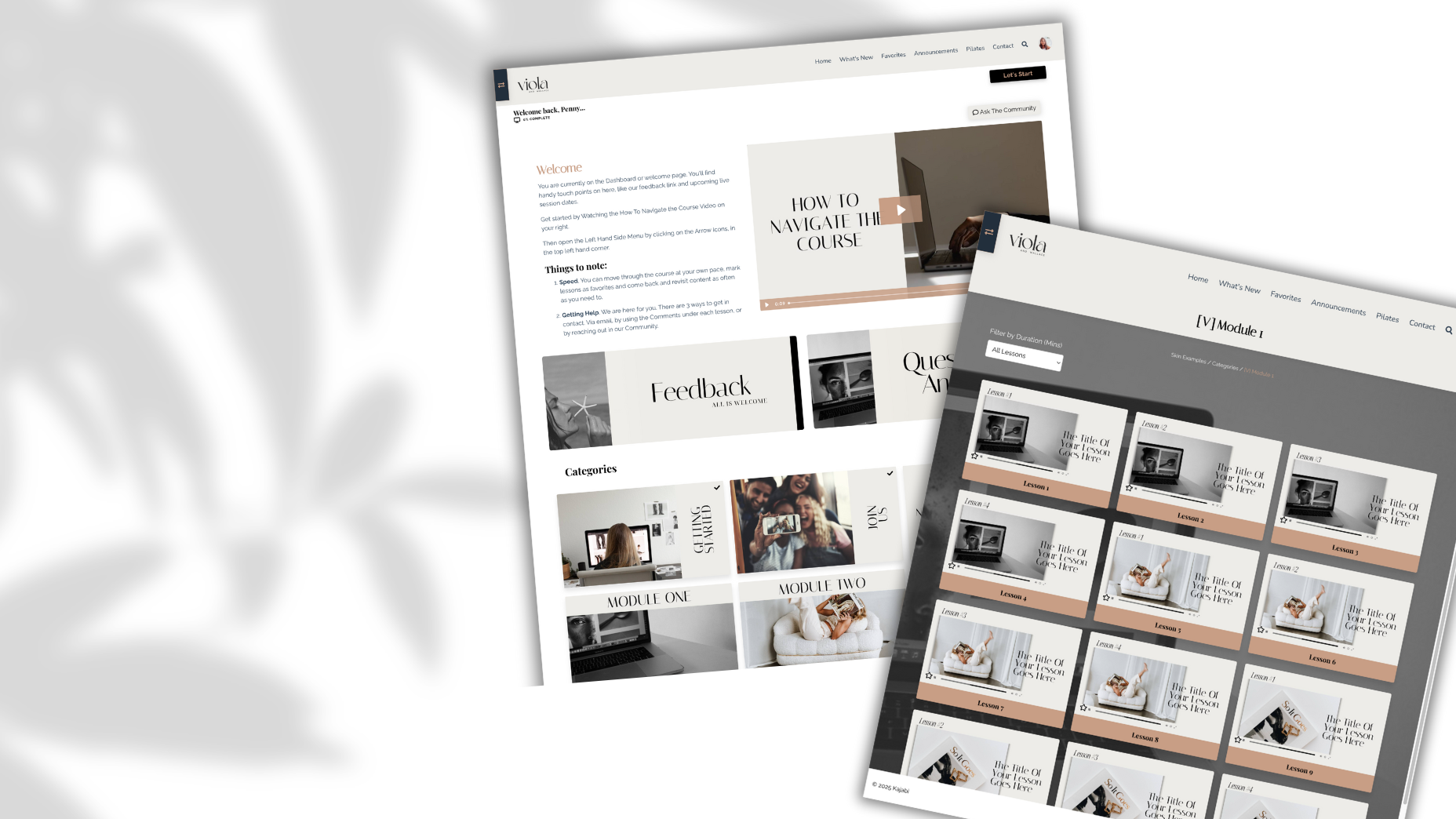


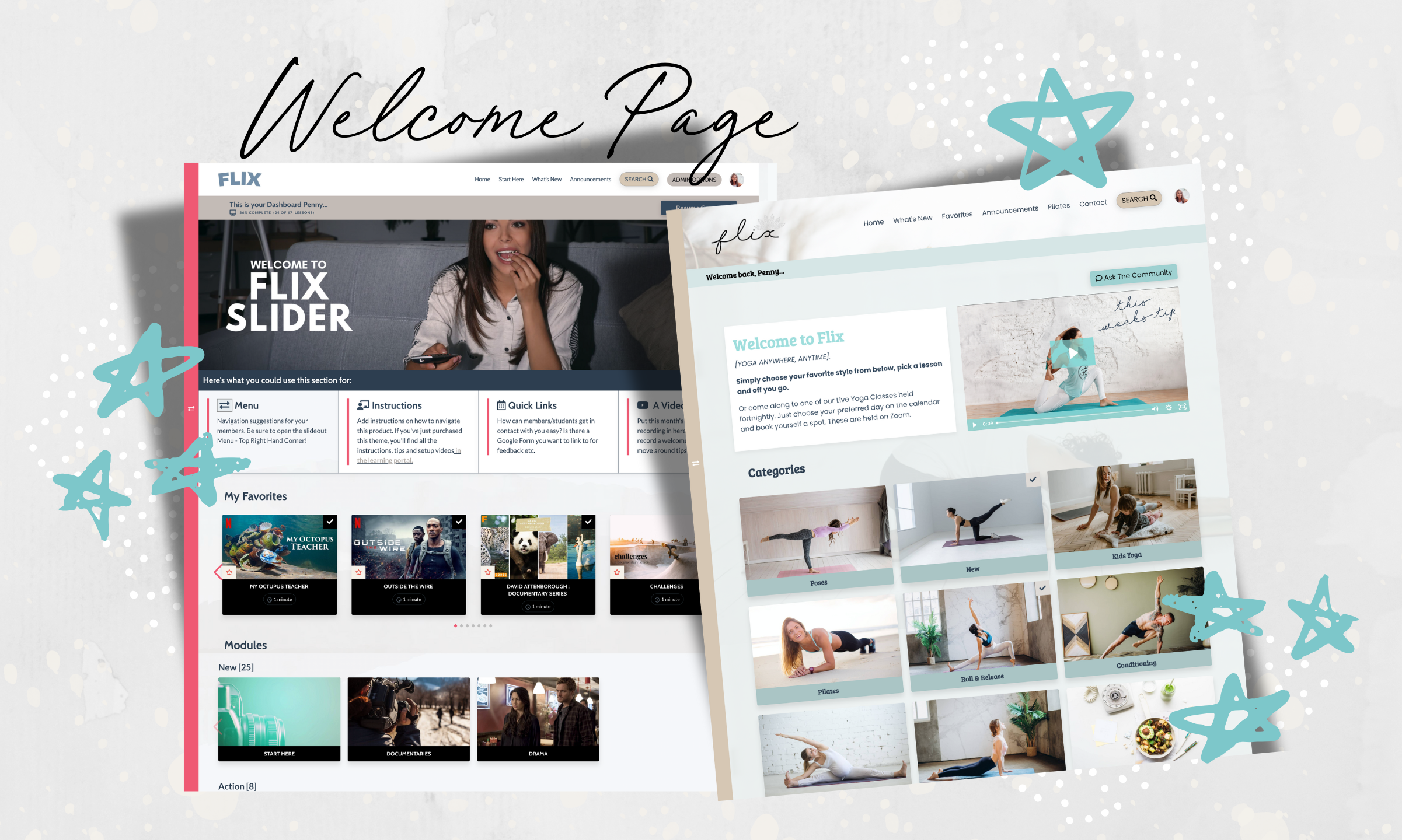
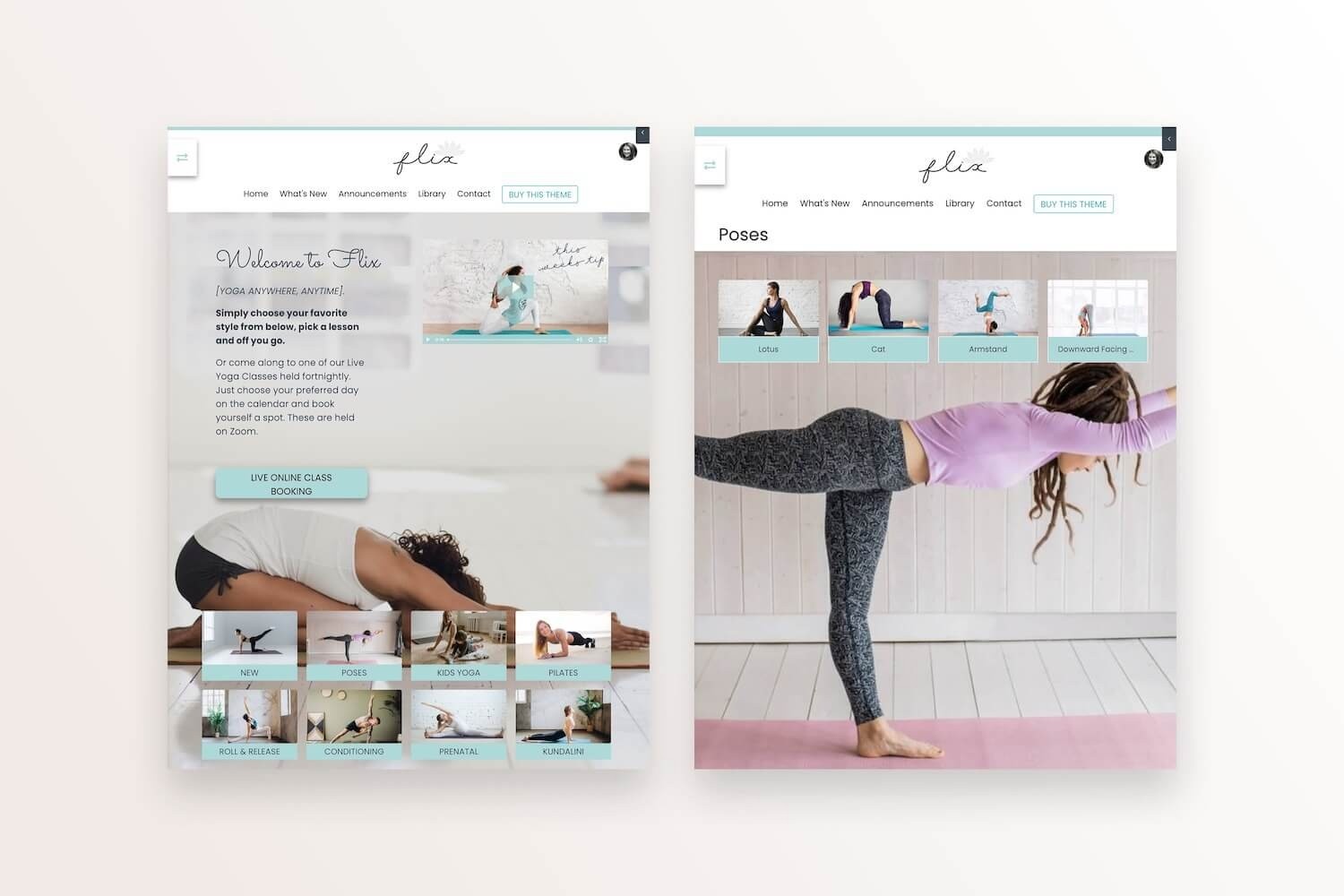
Create your own custom welcome page
Simply select a background image and upload, then put blocks of text, images or videos directly above your Categories/Modules. Choose to show a Grid or a Slider for your modules, and hide or show Favorites.
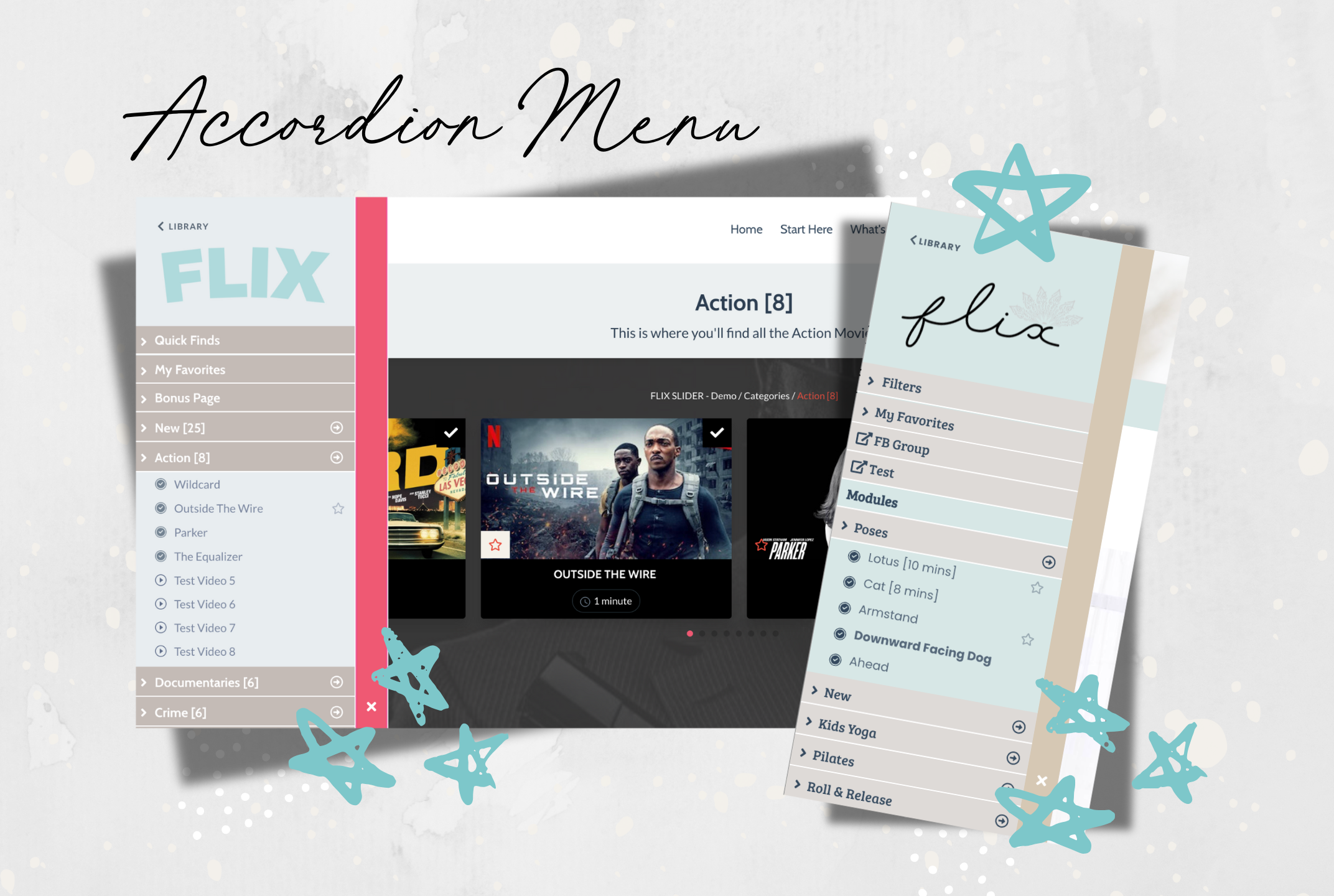
Left Hand Side Menu Options
Turn the Accordion dropdown menus on or off! You can also have the menu show always on the left hand side... or have it as a pull out. The arrows lead directly to the Module or Category Page, and clicking on a lesson takes you there in one click! Plus you can now choose to replace the Title of your product with an image or logo.
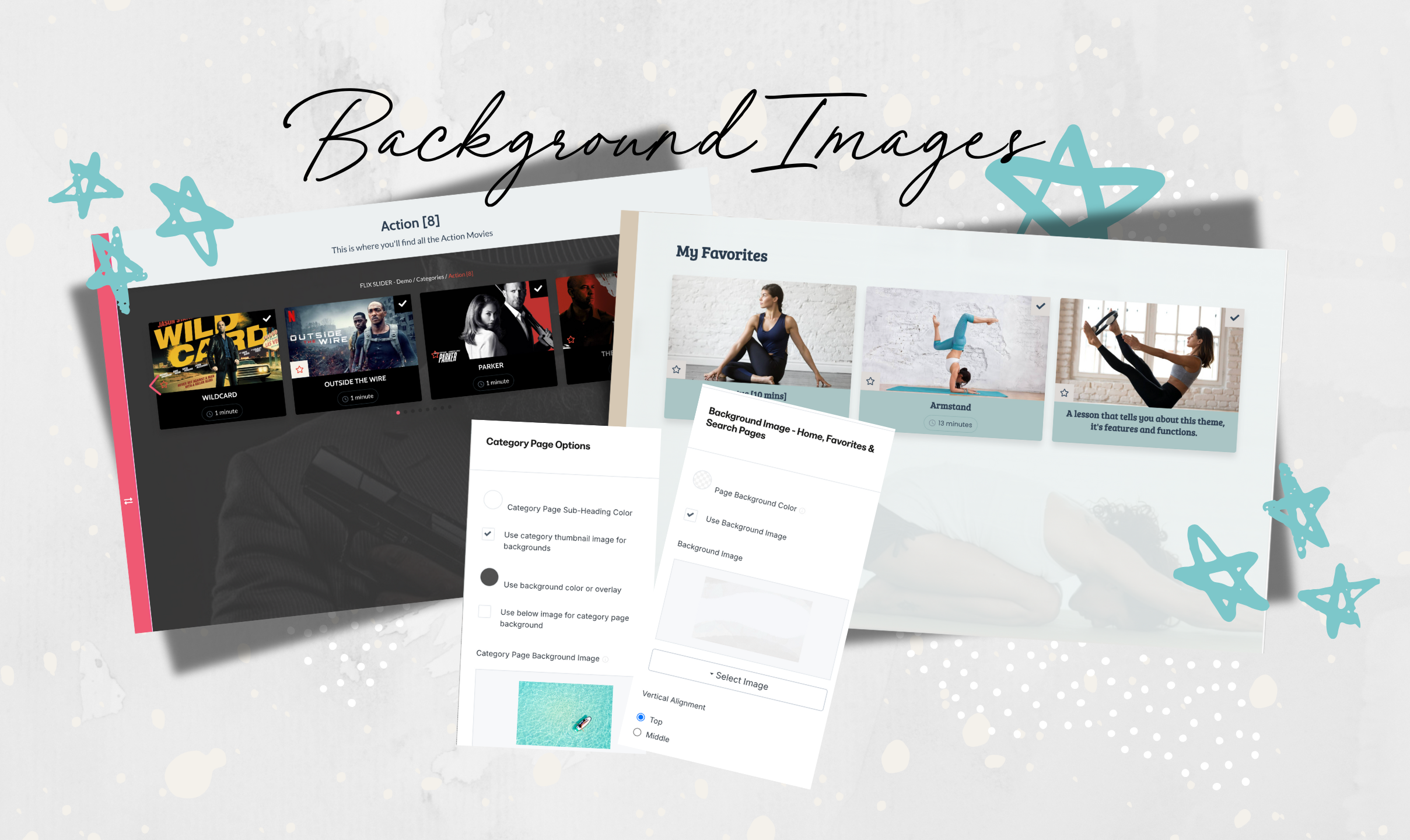
Set your own Background Image for the Home Page + more
Each Category page can use the Category Image as a background image on that particular page, or choose your own. And the Favorites and Search pages will show the Home Page Image. Lots of choices.
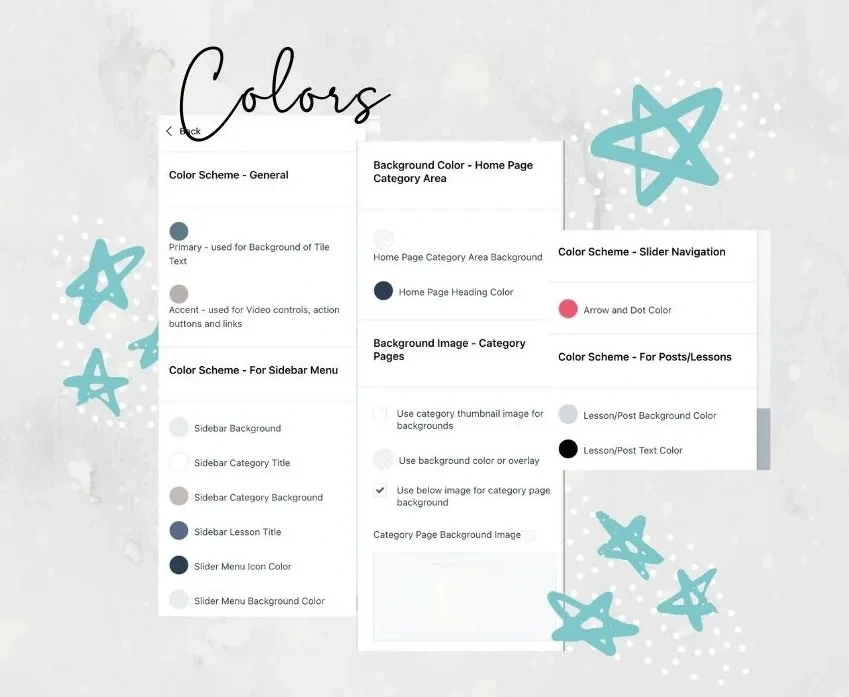
Color Choice Dream
Now you have even more control over where you want your brand and colors to appear!
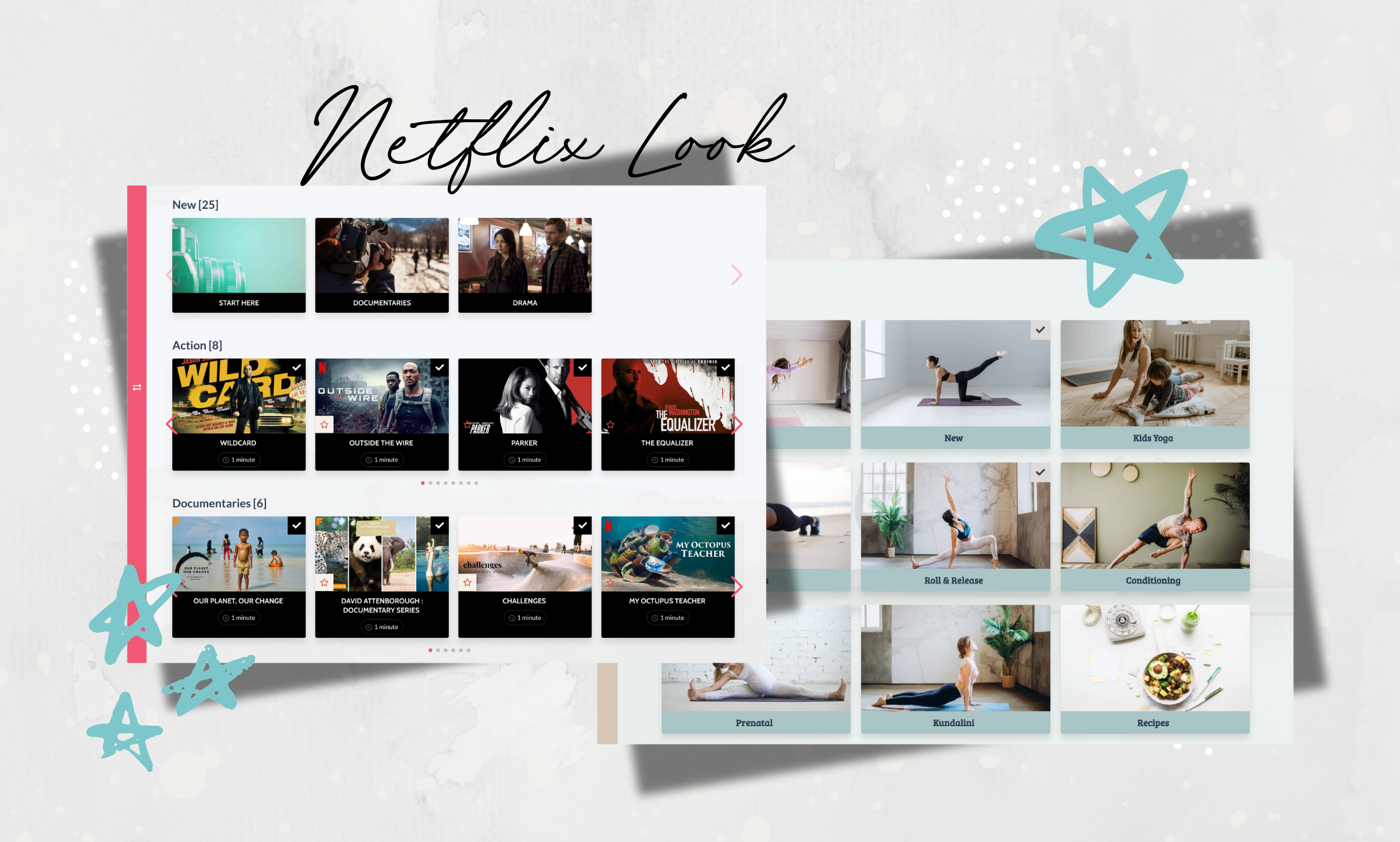
Beautiful Imagery
Display your Categories, Sub-Categories and Lessons as Image Tiles (Cards), and use the Slider effect or the Grid look.
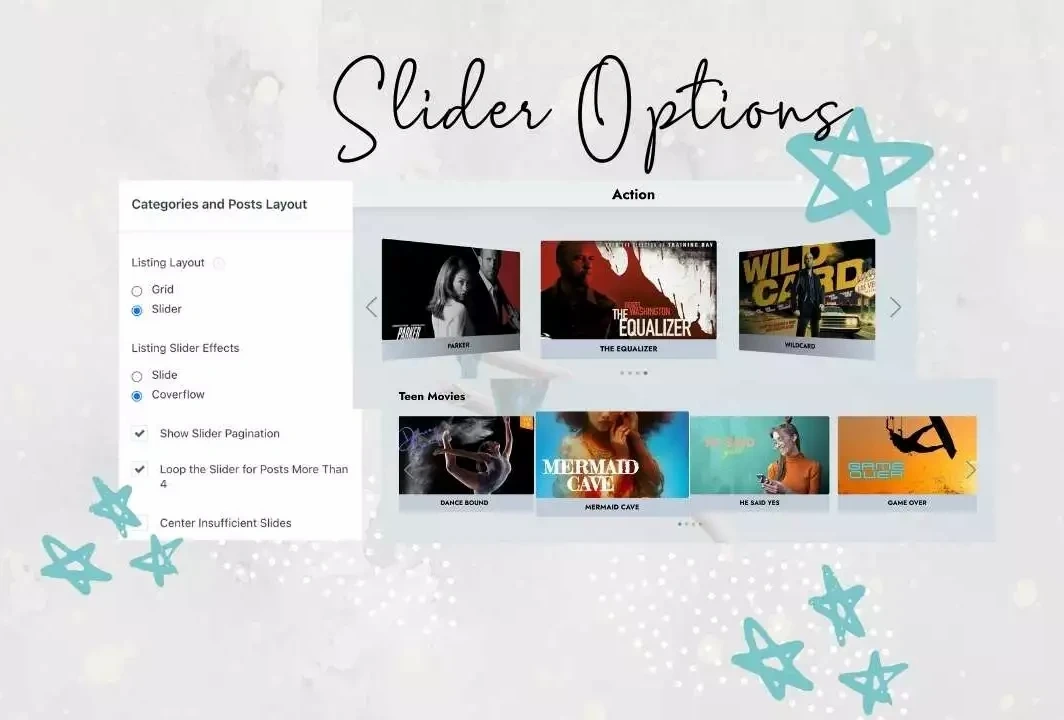
Slider Effect
Display your Categories, Sub-Categories and Lessons in a Slider view or CoverFlow view, as well as the original Grid Tile view!
Dashboard Options
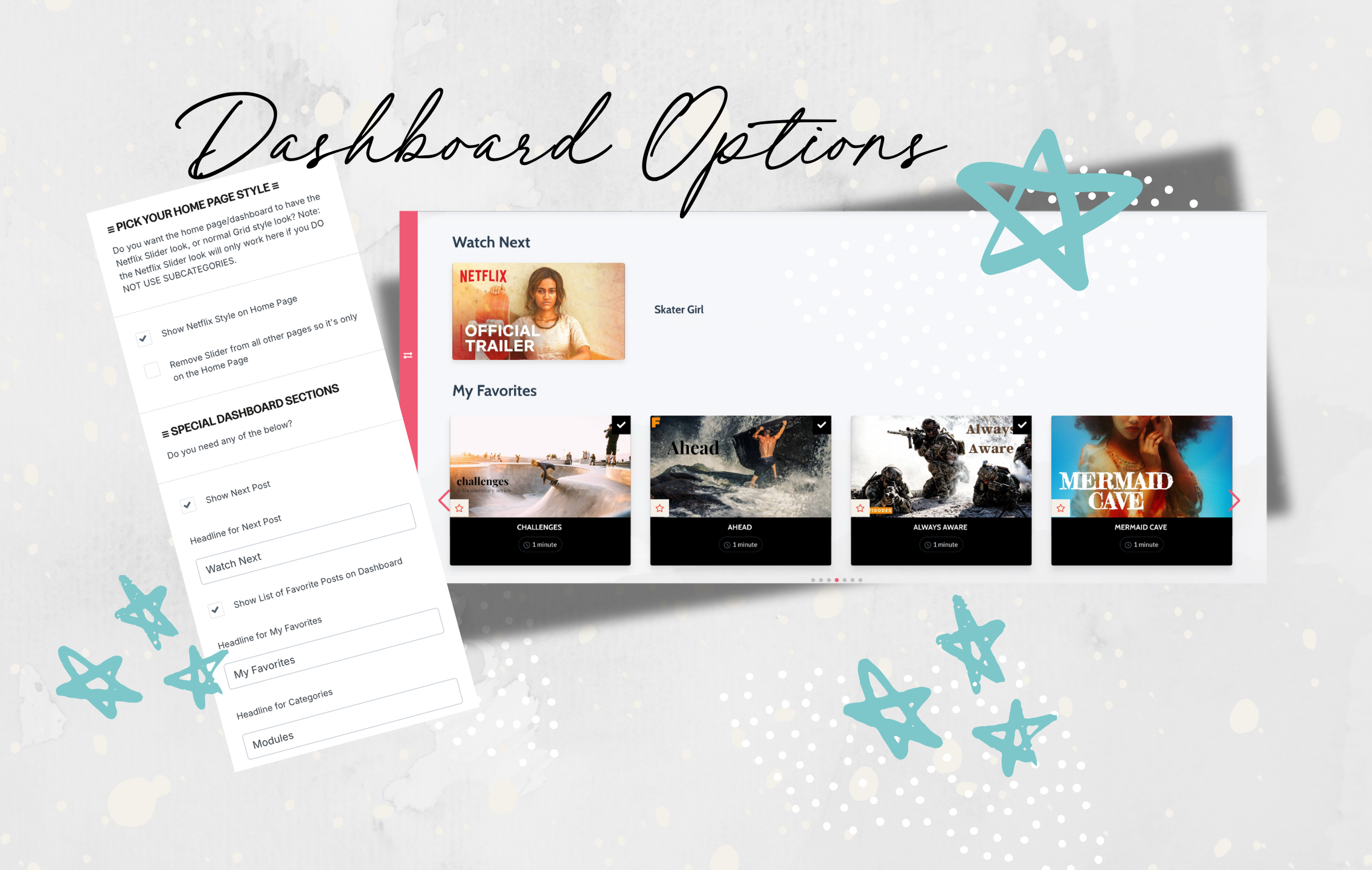
You can choose to have a 'Watch Next' and / or a 'Favorites' section on the Dashboard page. Show them or hide them, and rename them to whatever you want in your Language.
Video Display Improvement
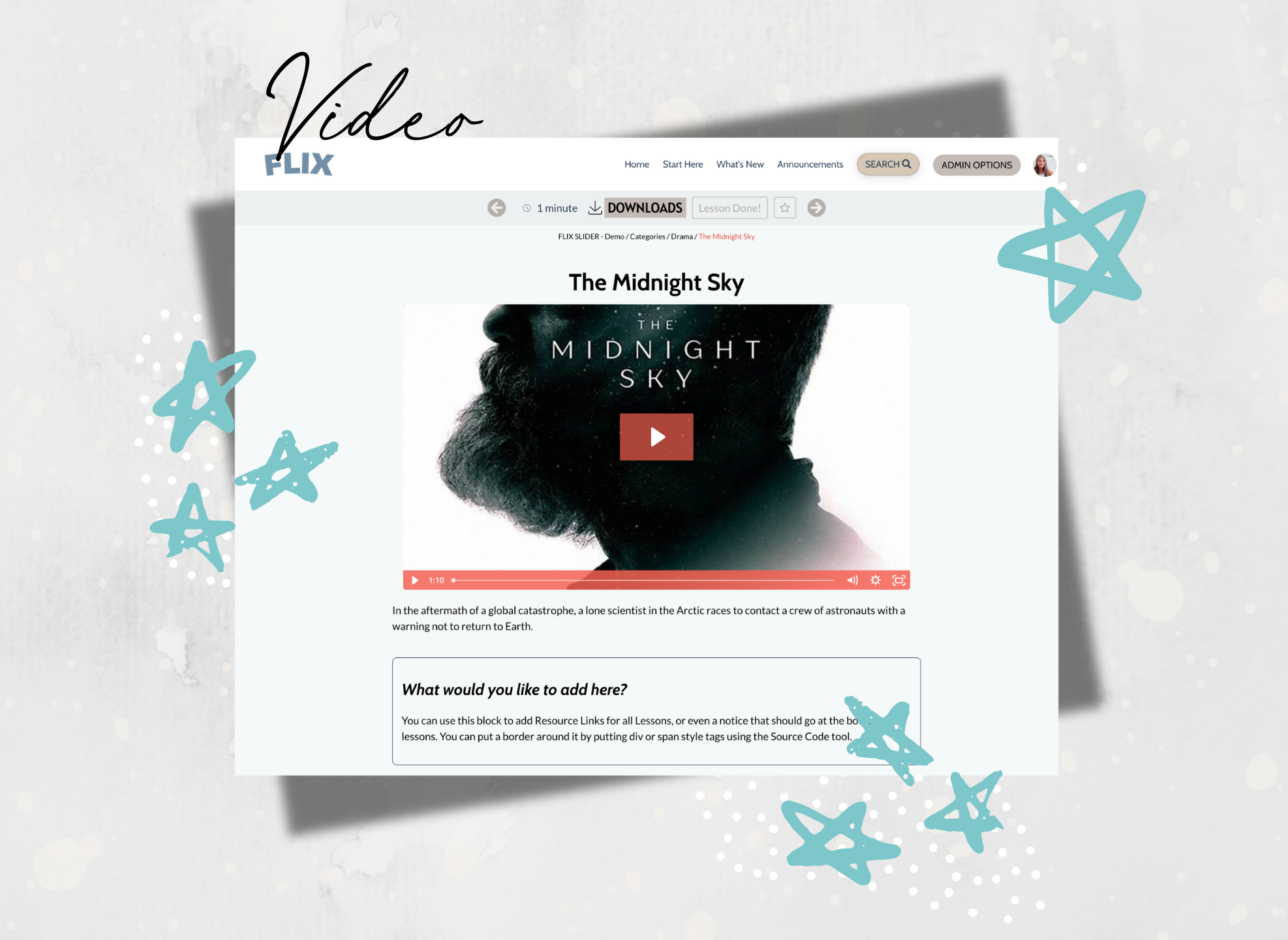
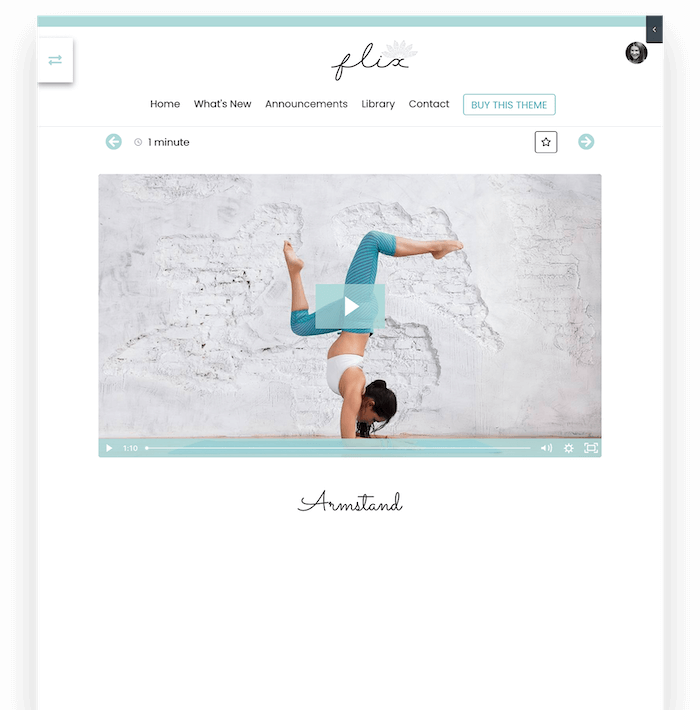
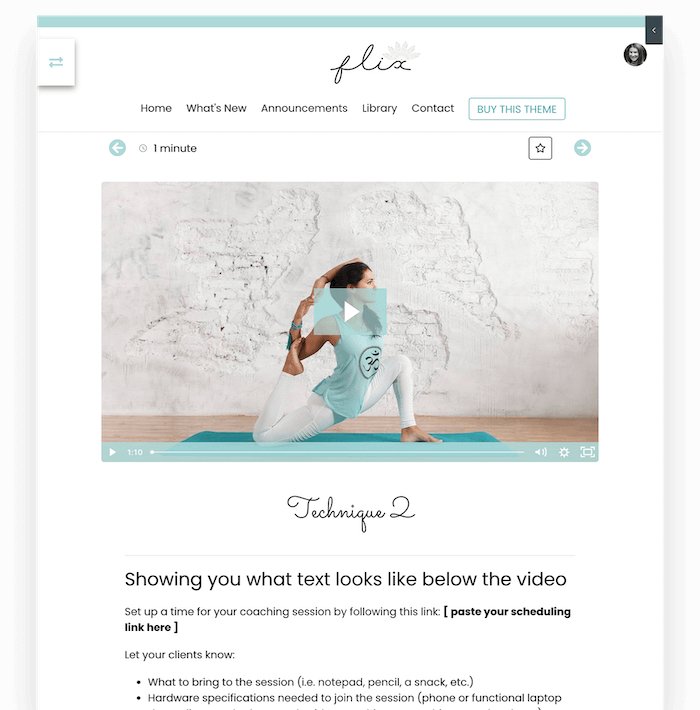
Videos are shown on a white background with improved spacing and padding around them. Plus you can choose to have the Title above or below the video, as well as the Action Bar placement.
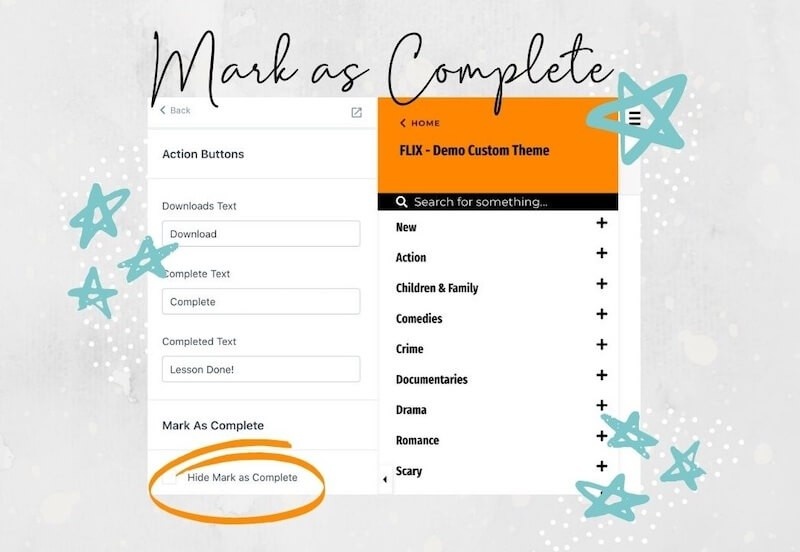
Hide the "Mark as Complete" checkbox
This becomes a handy option when you have an assessment or a video that you want someone to complete. You can lock the next module and the only way to unlock it is to do the Assessment or watch the video to the end.
More Video Control
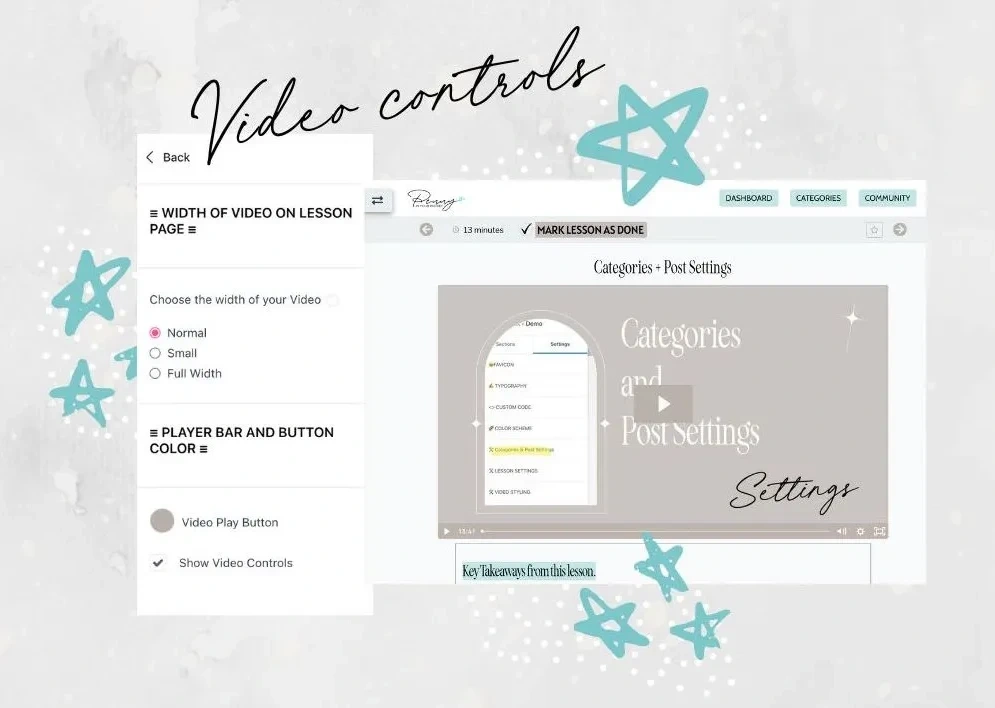
Size your video how you like it, and decide whether to show Video Controls to your students.
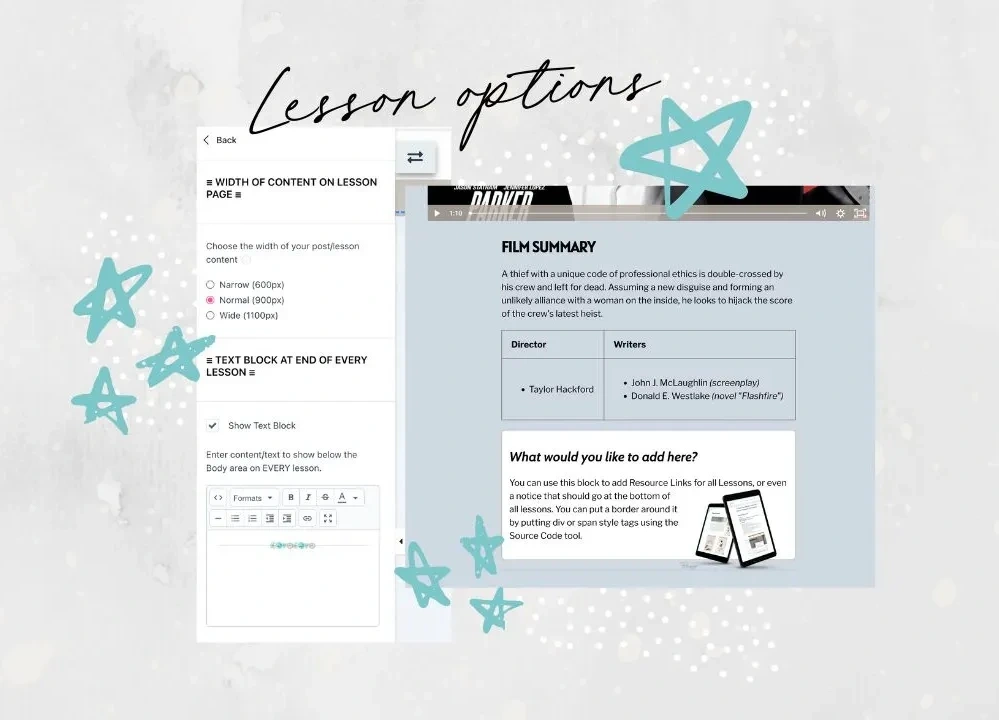
Lesson Options
Control the width of your lesson text and choose to add in a Global Text Block to all lessons.
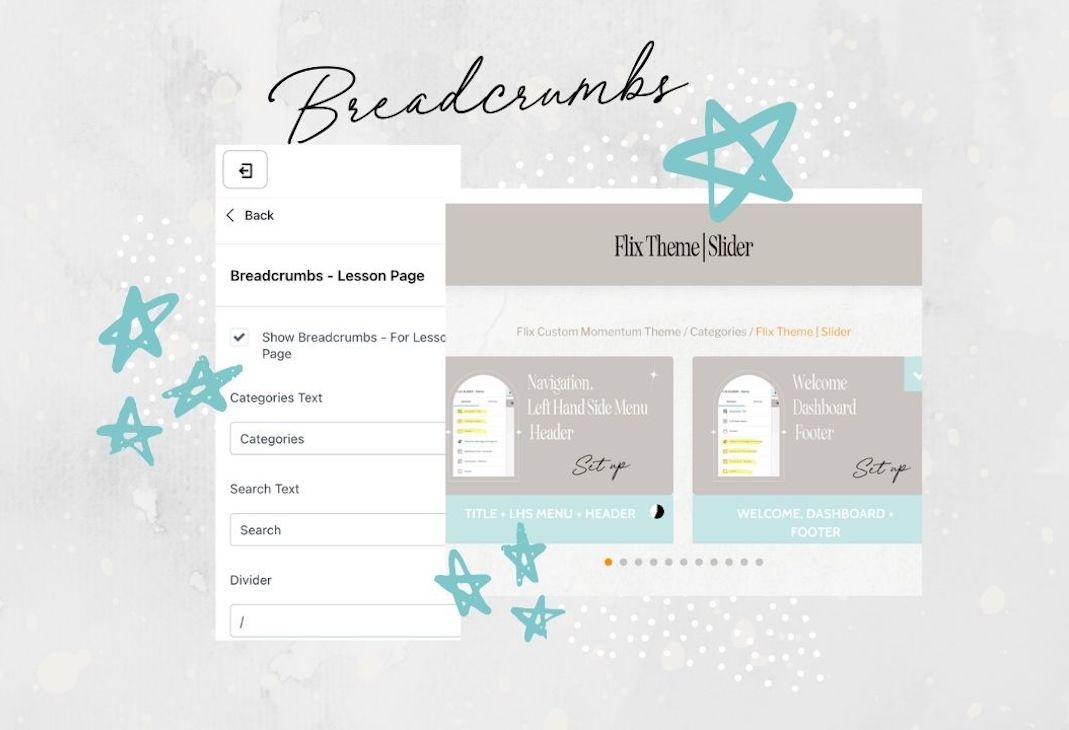
Extra Navigation
Add breadcrumb navigation to both lessons and category pages, as well as choose your colors.
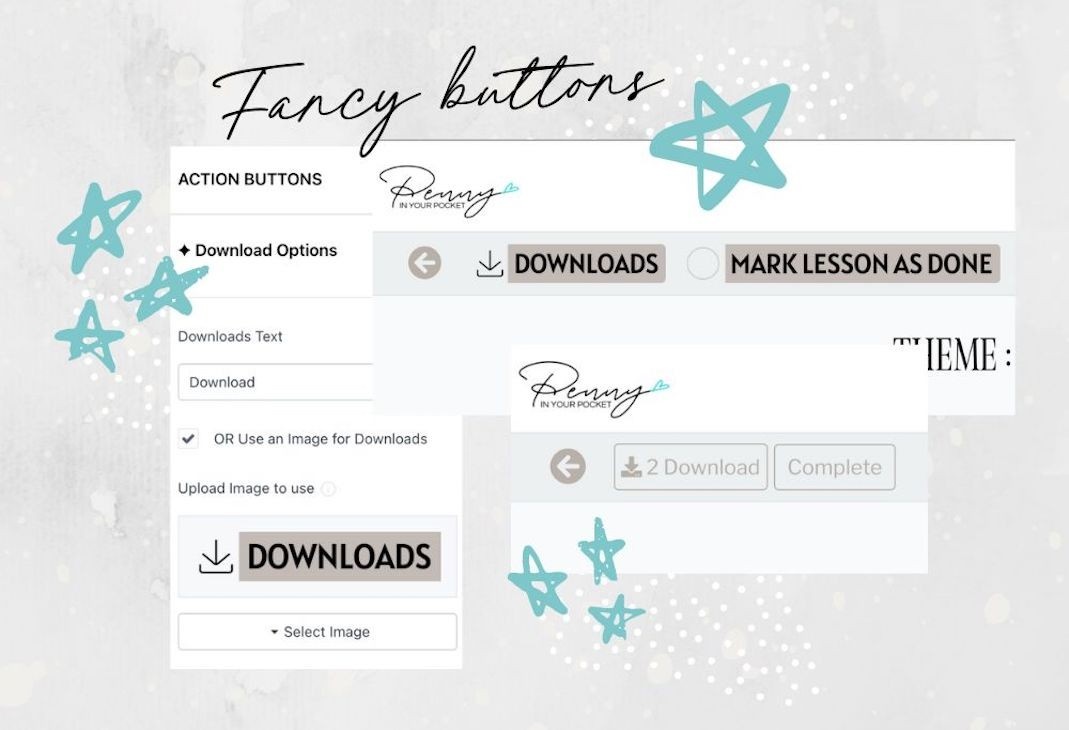
Stand Out Buttons
Decide whether to show the stock standard buttons for downloads & mark as done or add your own custom ones.
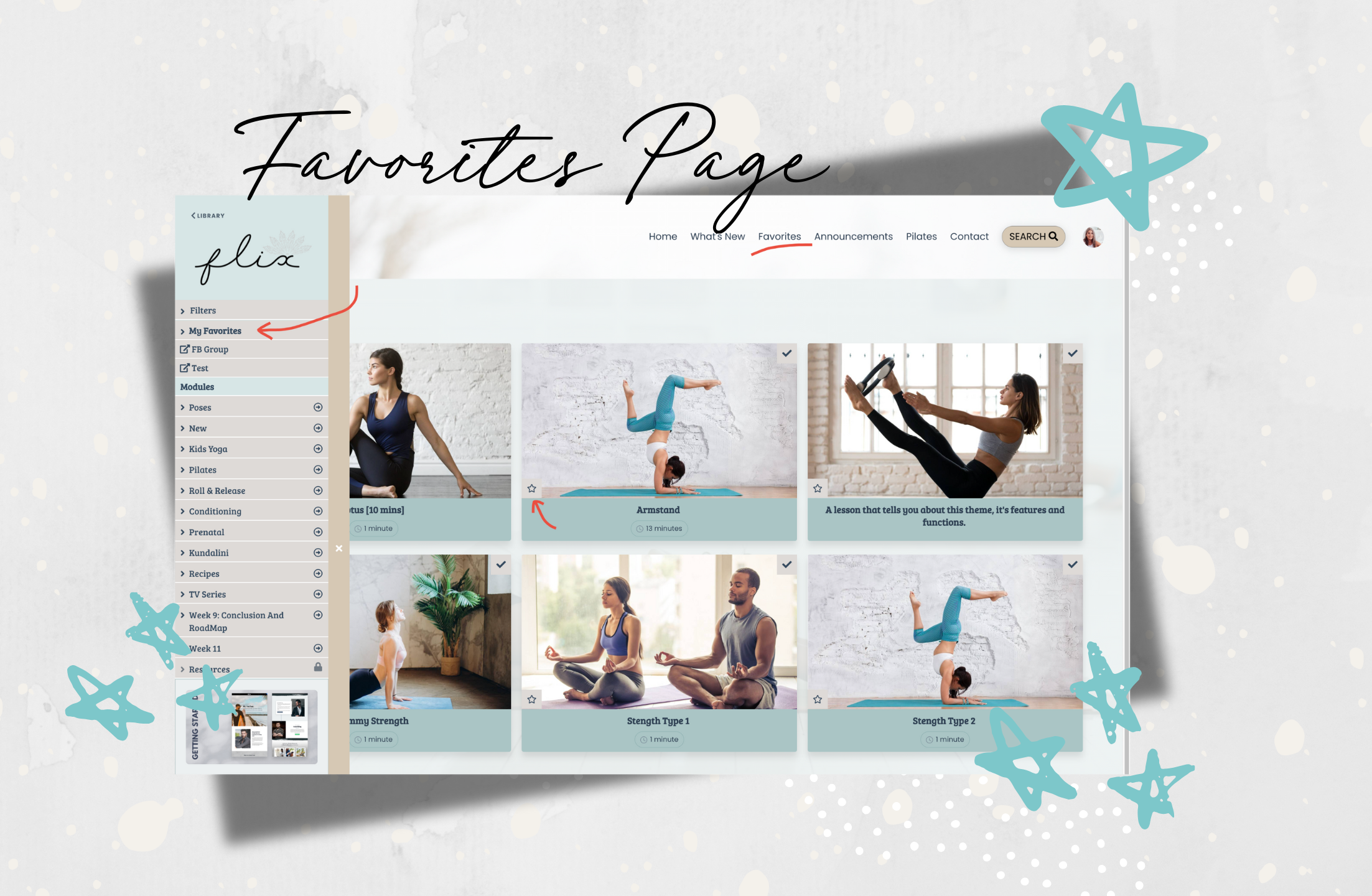
Favorites Page
Your members and students can now mark a lesson as a favorite and click on a link to take them to a page showing them all. The link can be shown or hidden in the left hand side menu. And they can easily click on the Star Icon to remove the lesson from the Favorites area.
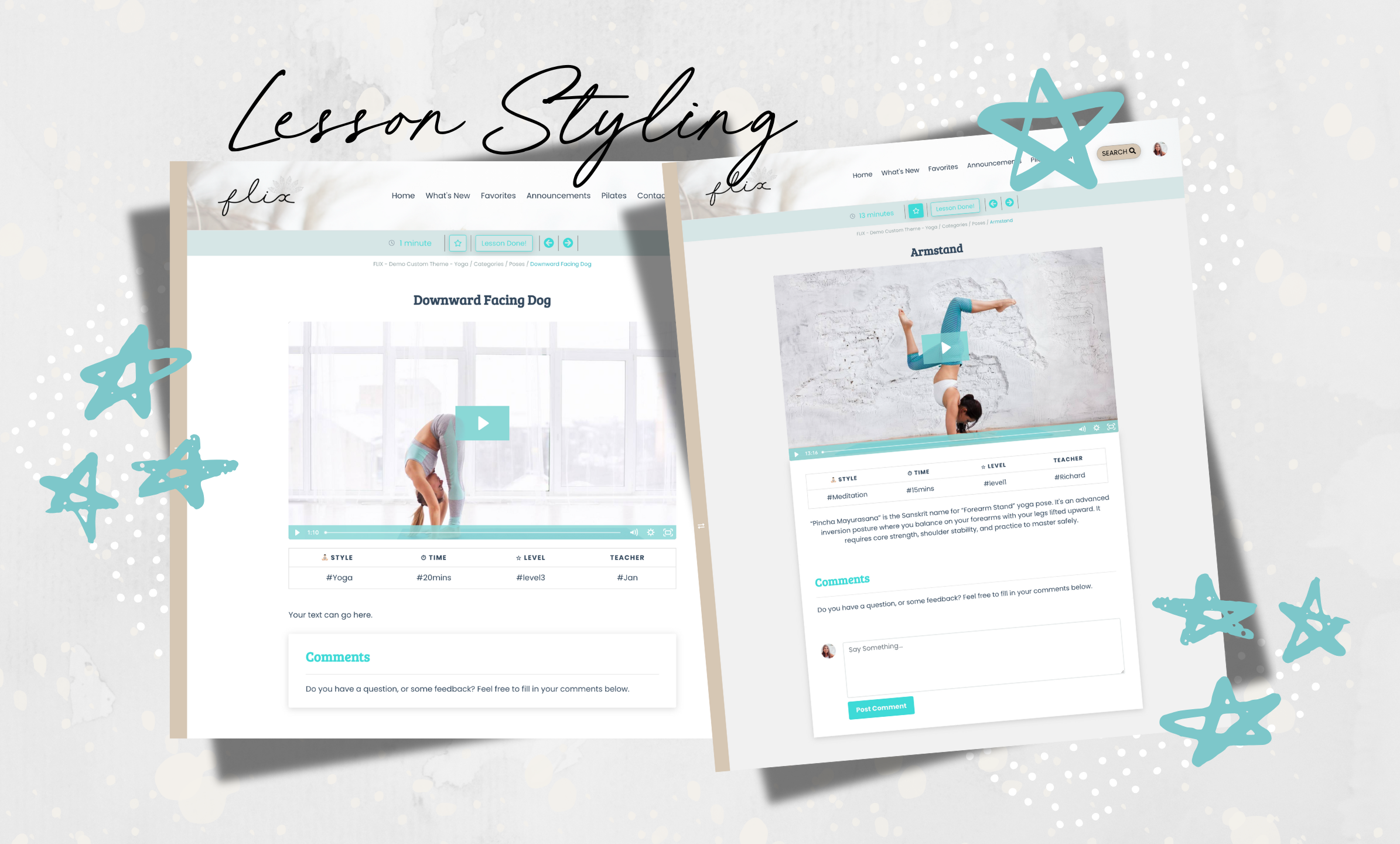
Lesson Style
Choose to have a background color for your lesson (change both text color and background - great if you want to have a black screen), or put the content into a white boxed area.
Filters
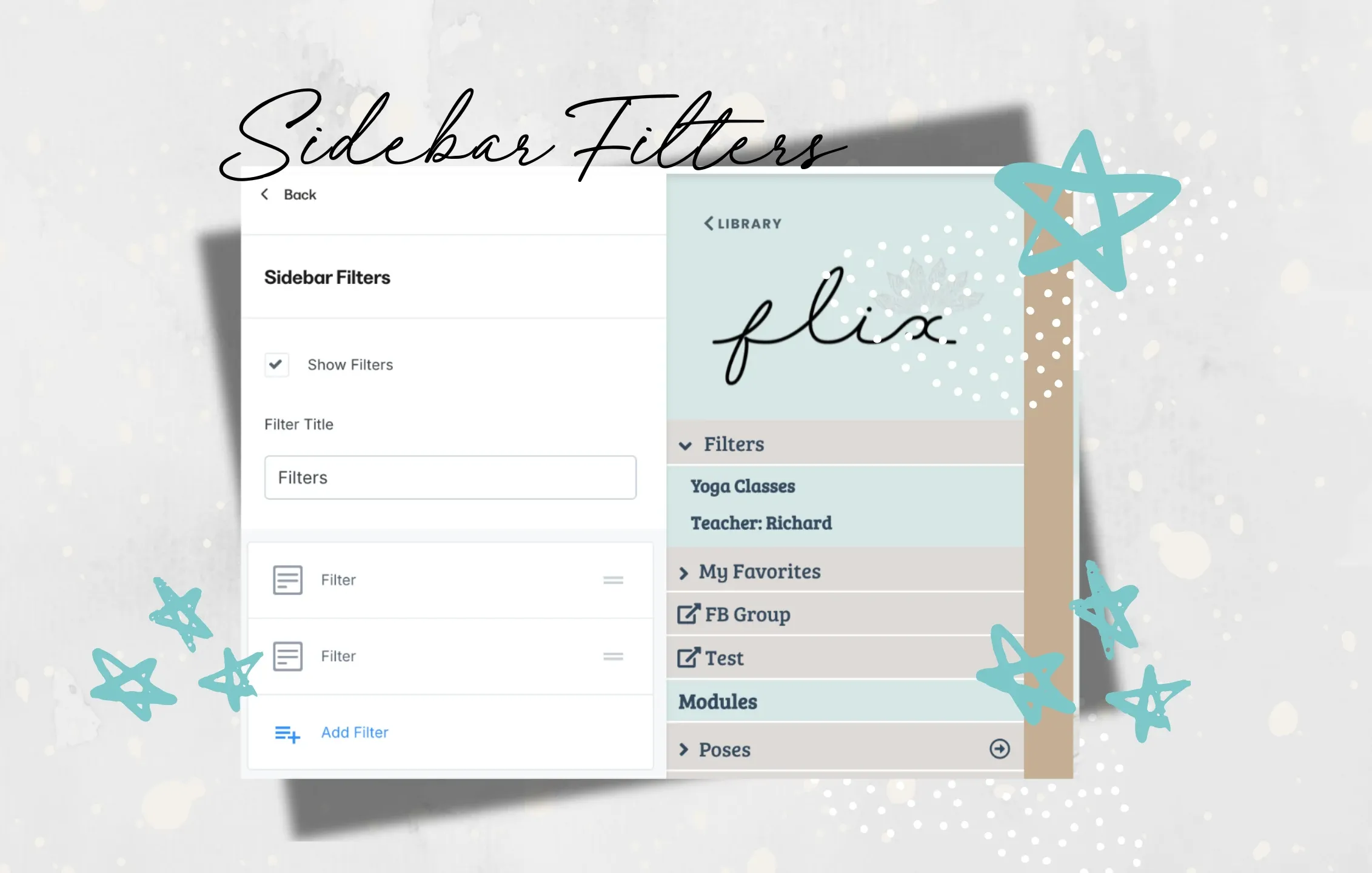
Using a little trick with Kajabi's native search functionality, you can create filters for the most common searches. Put them in the sidebar area for your students or members to find posts easily.


Let's Talk Features,
Bonuses & Add-ons
Here's what you get
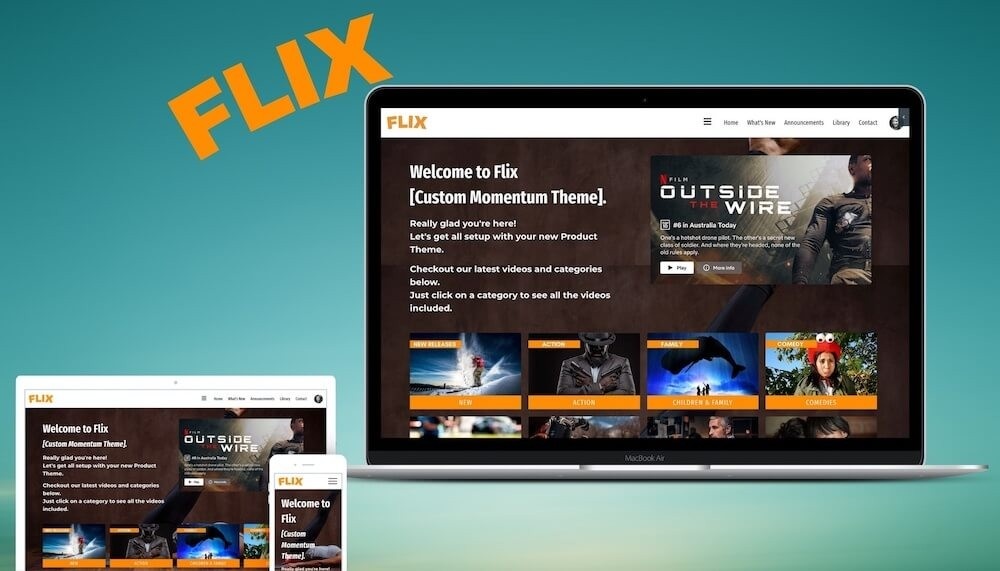
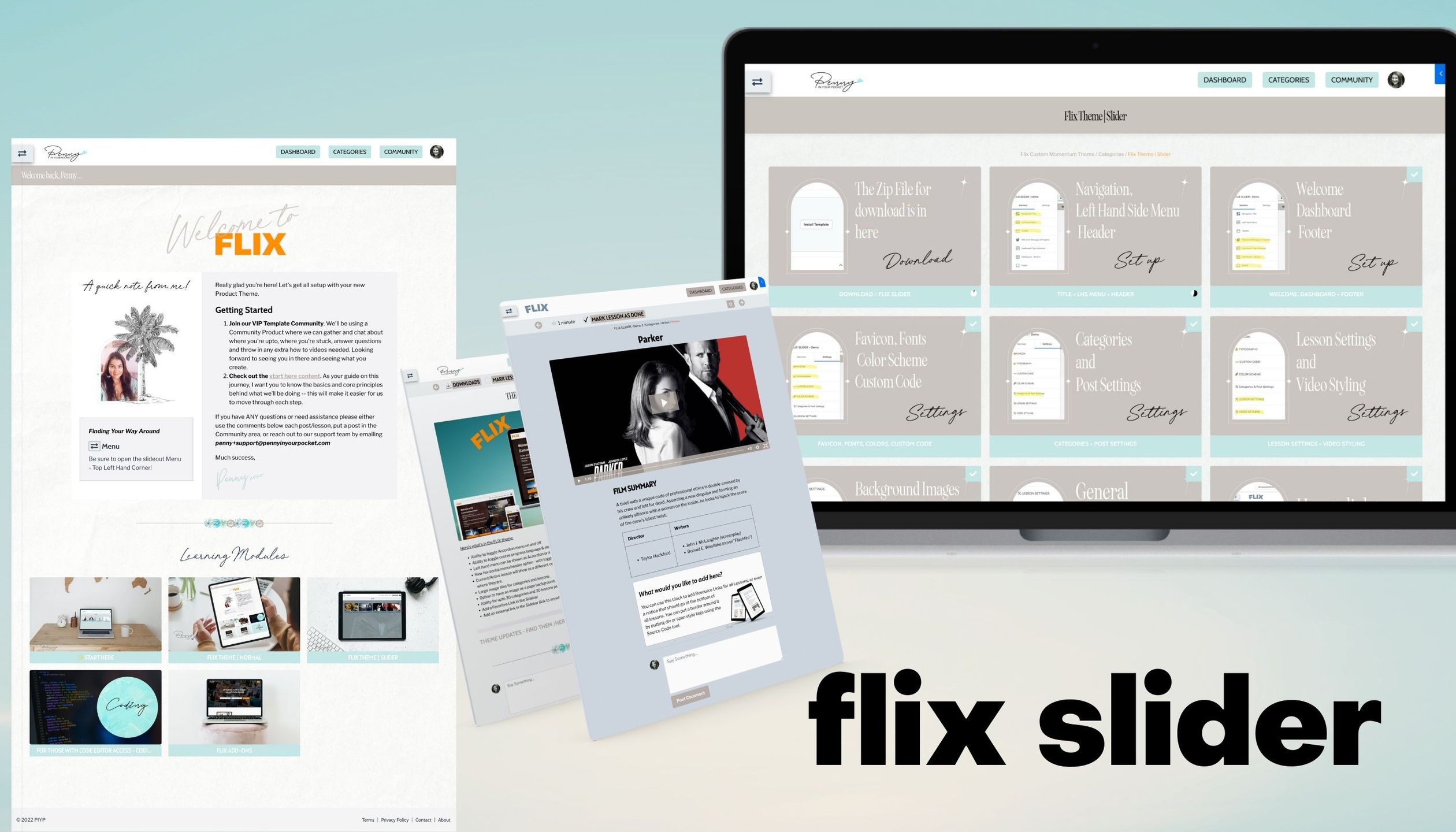
The Flix Custom Theme (2 different styles)
Hero Background Images, Accordion style menu, more ways to show your brand colors, plus a header area with extra navigation, a footer, the ability to show or hide various components, and more. Image tiles for Categories - you can have up to 30 on a page before pagination.
Styles included are:
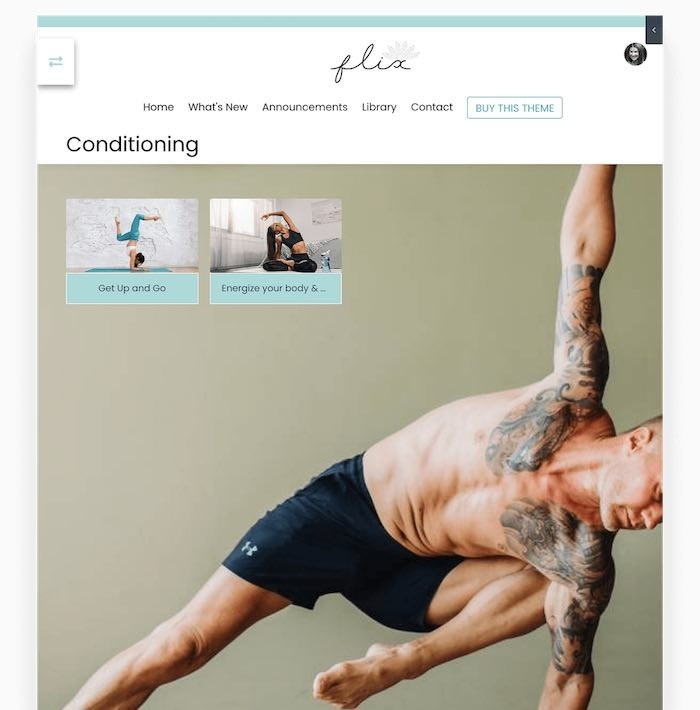
✧ the Yoga Version, and
✧ the Flix Slider version.
All can be changed to suit your style and industry - there is nothing limiting about any of these themes!!! If you have a stack of videos or only use text for your content, Flix looks good no matter what you're showcasing!
Single Payment
$259 usd
One time payment.
Yep your read that right... there's no monthly payment or ongoing licensing fees!

FAQ's
Can I Edit This Theme In My Own Kajabi Account?
Is there a Navigation Menu Bar at the top
How Does the Accordion Dropdown Work?
Is it Easy to Use?
Will it Mess Up the Work I've Already Done?
Can I Change The Colors?

Does it work with Kajabi's Native App or Branded APP?
Does this theme allow for videos in multiple categories?
What About Updates?
Can this theme do different functions than normal Kajabi themes?
Are there Terms & Conditions


Still have questions about the theme?
🔒 We value your privacy. NO SPAM EVER.
Are you another Kajabi Service Provider and want to offer this to your own clients? CLICK HERE.
Who is this
Penny
chick?
The Chit Chat Version:
A mom, nature lover, entrepreneur [just like you]..., a computer geek, an avid learner, a creative, a master number (according to numerologists??? 🤔), someone who loves to travel (although I'm loving where I live currently) and someone who loves meeting people from all walks of life!!
The "As Professional As I Get" Version:
Penny Clements has been designing, creating, selling and using Kajabi since 2015 and was an early adopter of the platform when it relaunched. Having worked with various big names in the online industry, and helping them move to Kajabi, she has well and truly earned her stripes and understands this program better than most. But she’s also a creative and software ‘tinkerer’ from way back -- it was inevitable she would power up her keyboard and take Kajabi to another level.
Hence Kajabi Product Themes, Websites and Page Templates were born. 🥳

