
THE PERMISSION PAGE UPGRADE TOOL
Lock any Kajabi page to ONLY the people who've paid for it.
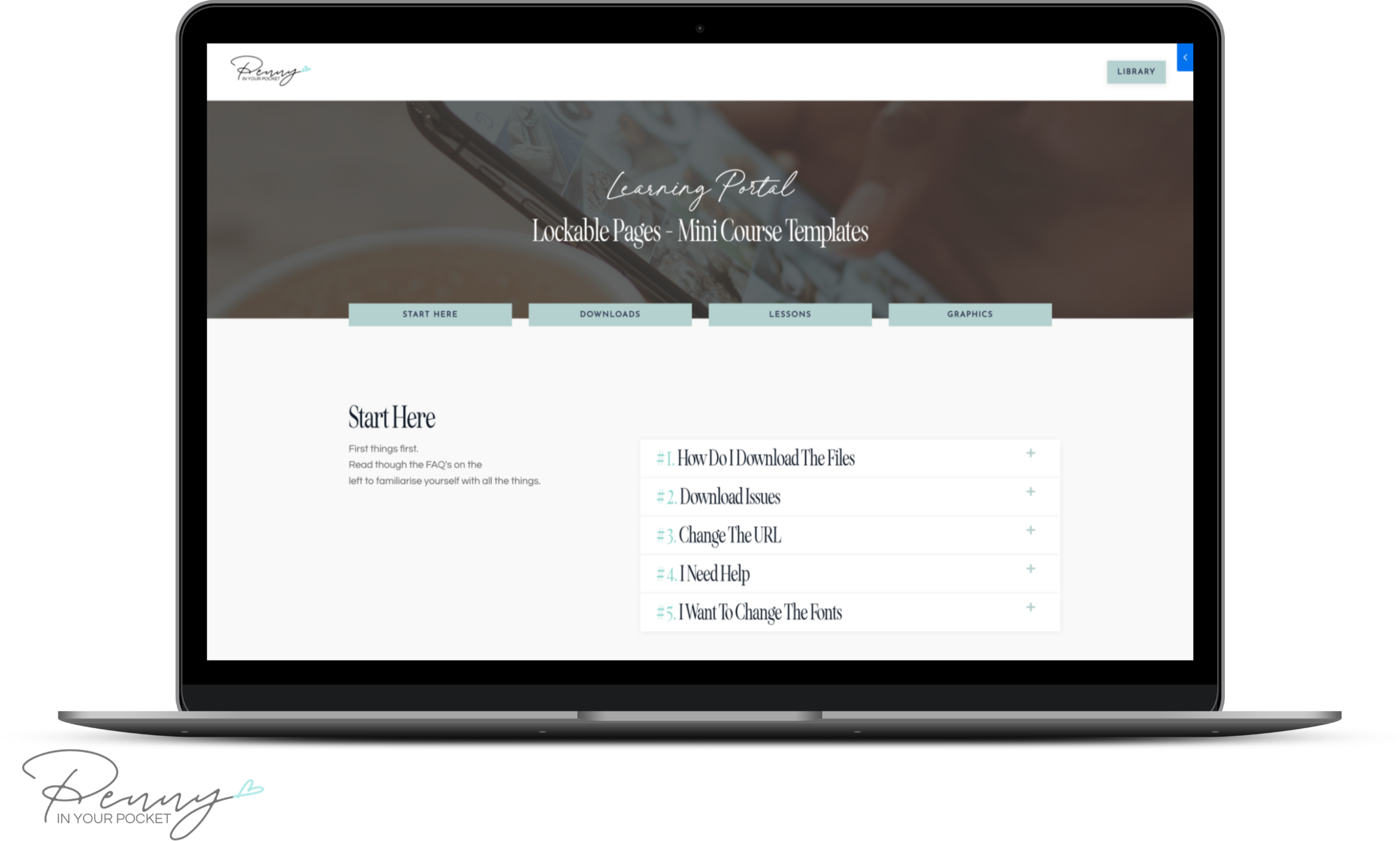
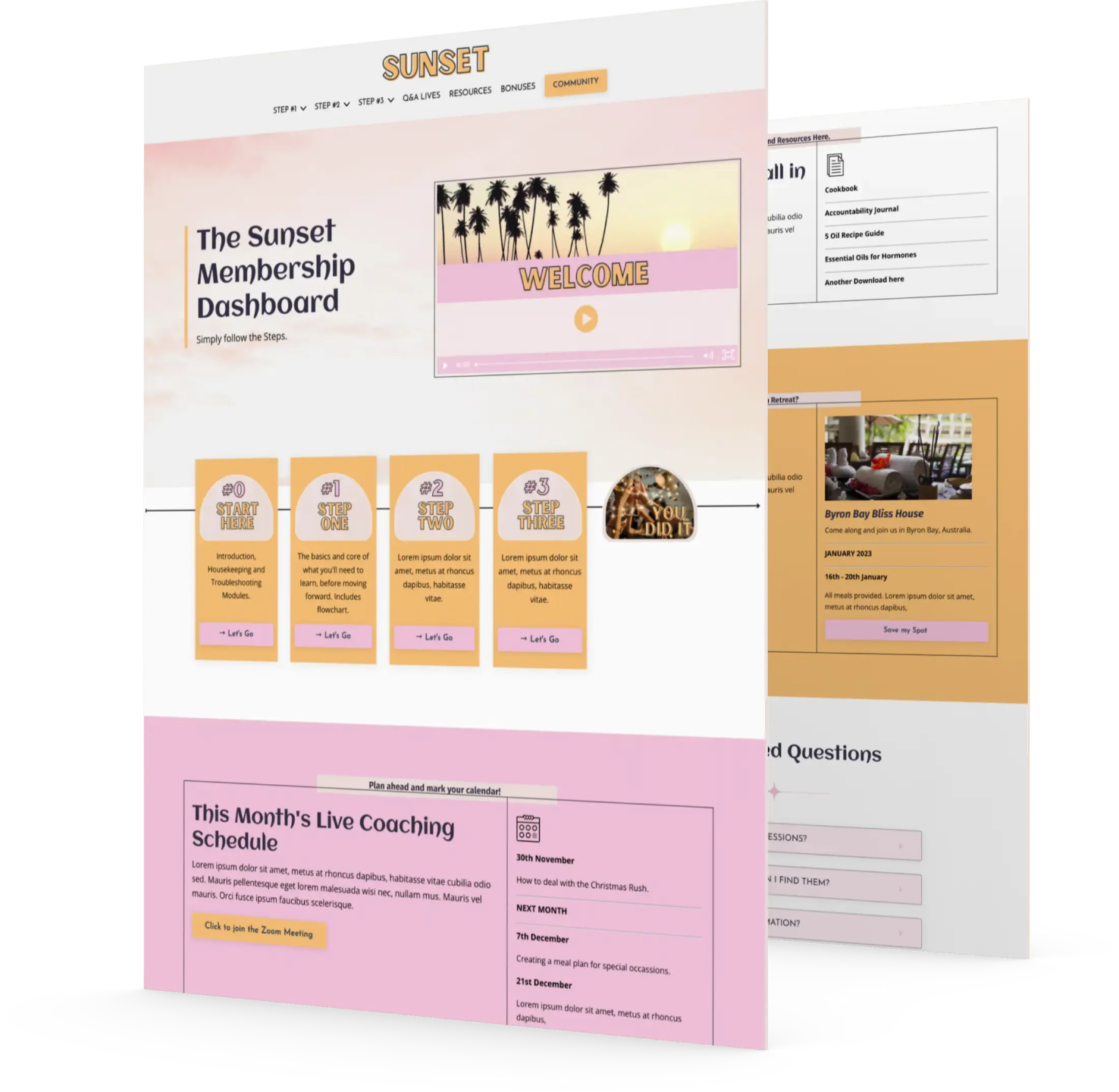
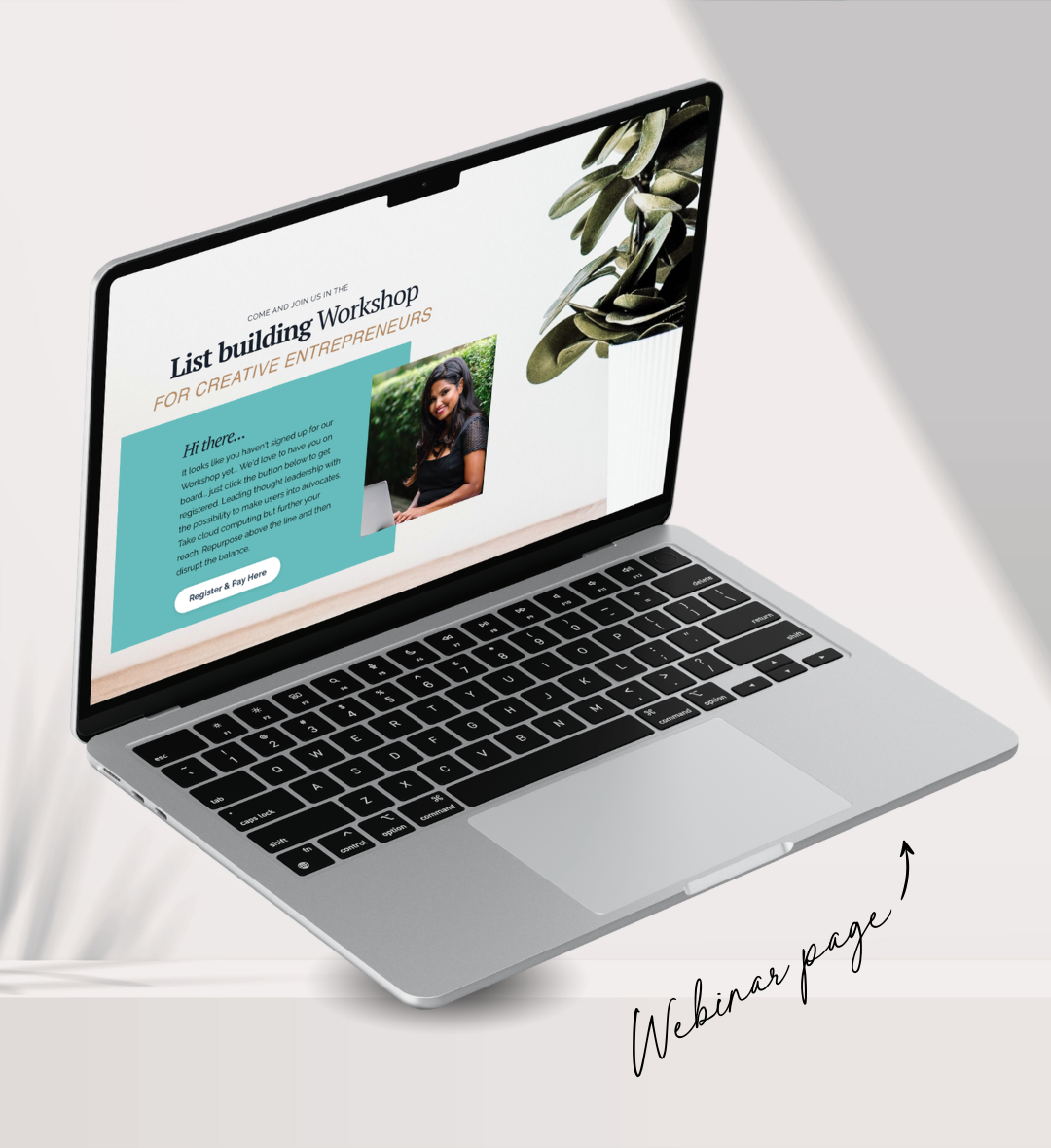
Take a page you've built, and make it work like a course: behind a login, only open to the people who own a certain offer.
The page itself doesn't change.
Who gets to see it does.

THE PROBLEM
Kajabi locks products. It doesn't really lock pages.
When you build a course in Kajabi, access is sorted for you. Someone buys the offer, they get in, nobody else does.
Pages are different. A landing page is public, full stop. The only lock Kajabi gives you is the "members only" switch on website pages, and that opens the page to everyone who has ever logged in to your site, whether they bought your $9 freebie or your $2,000 program. It's all members or nobody.
So if you want a page that only your course buyers can open, or a workshop replay that only the people who paid for it can watch, there's no setting for that. Until now the answer was to turn it into a product, which means giving up your page design for a course theme.
VIEW PRICING
WHAT THIS DOES
Your page... locked by what people have bought.
This tool adds a permission layer to a page you've already built. Then you choose who can see it, the same way Kajabi decides who can open a course.
- Everyone. It stays a normal public page.
- Anyone logged in. Like Kajabi's members-only, if that's what you want.
- People who own a specific offer. Buyers of your course, your workshop, your membership. Everyone else is kept out, even if they're logged in.
- A list of emails. Allowed in, or blocked out.
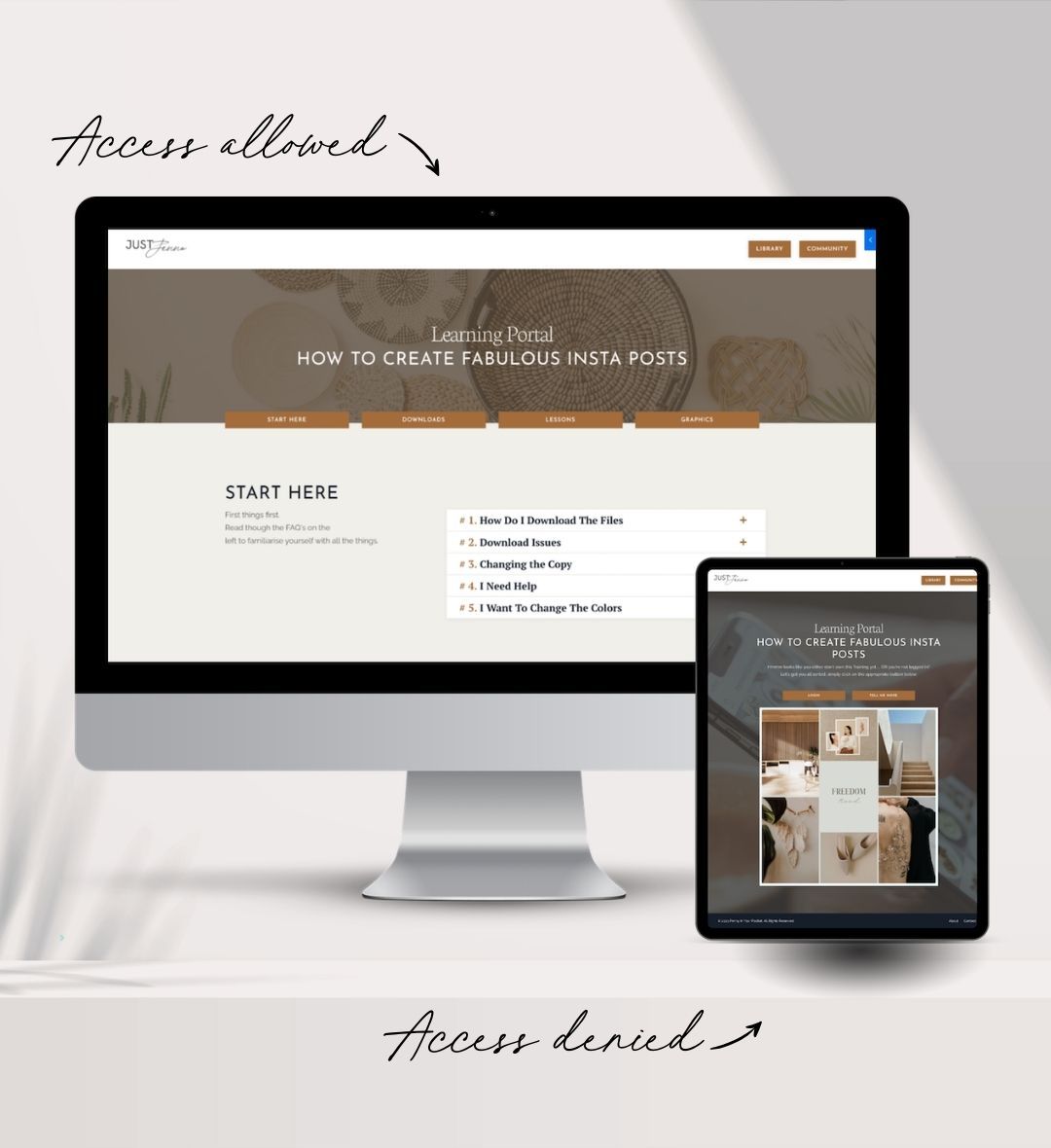
Someone who isn't allowed in sees a login box right there on the page, or gets sent wherever you choose, like your sales page.
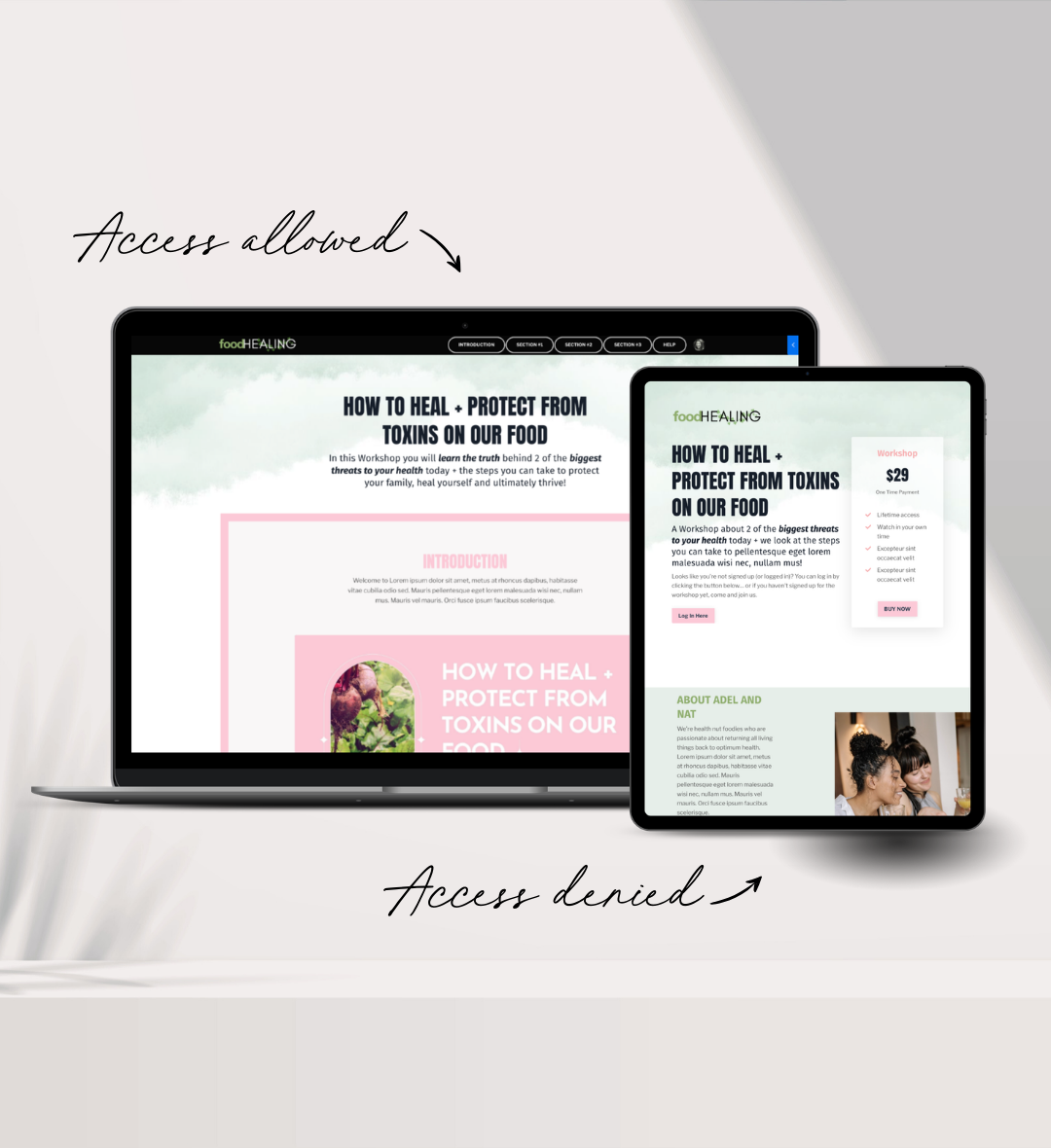
And it isn't all-or-nothing.
Every section on the page has its own "Who can see this section?" setting. One page can have a free intro at the top, paid lessons underneath, and a pitch at the bottom that only shows to people who haven't bought yet.
LOCKED PREVIEWS
Locked sections can sell themselves.
A section that someone isn't allowed to see doesn't have to disappear.
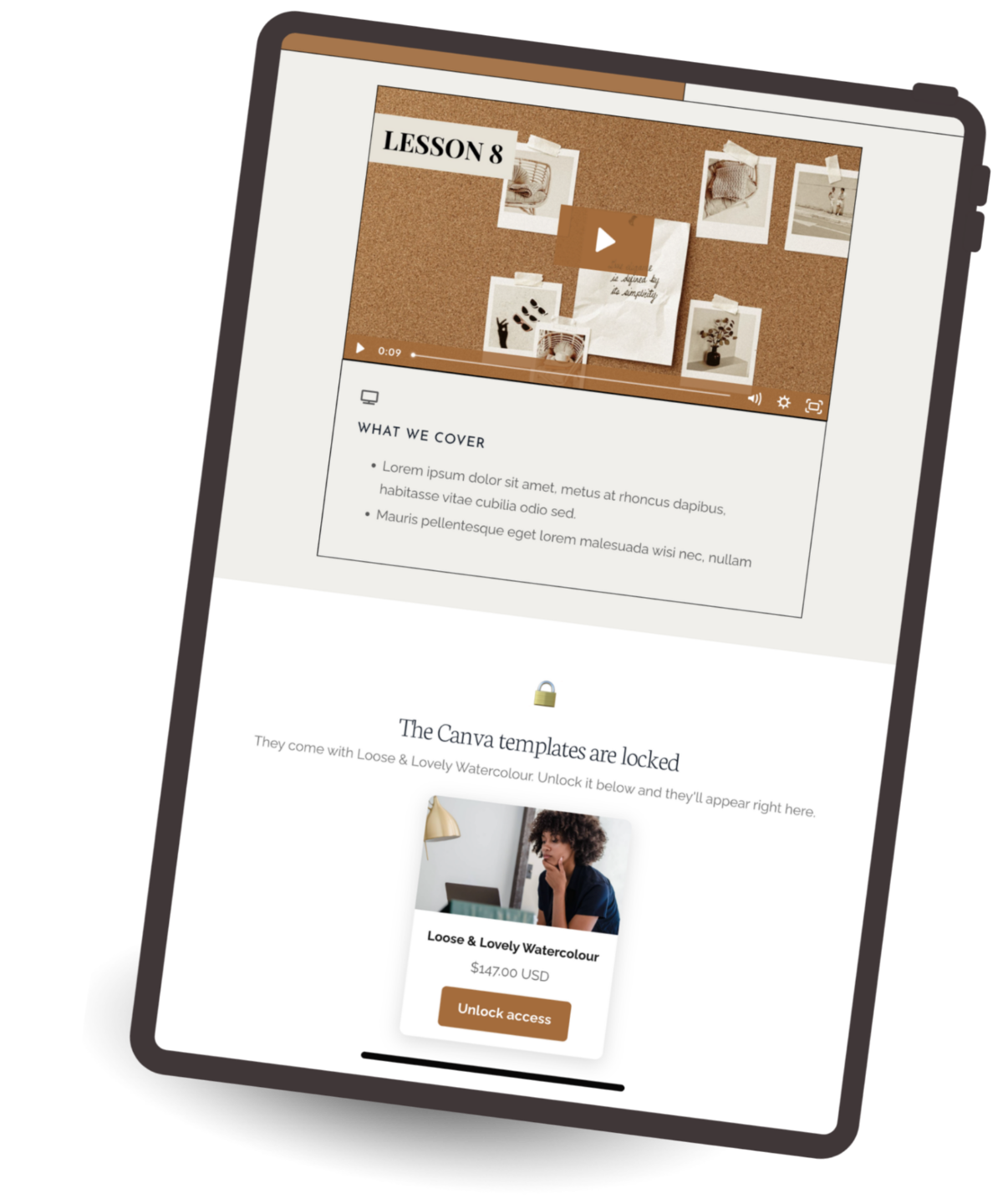
It can show a locked preview card instead:
- the offer's picture,
- the price and a buy button,
- pulled straight from your offer in Kajabi.
So a student who owns module one scrolls down, sees module two sitting there locked, and buys it without leaving the page. That's a course hub that does its own upselling, on a page you designed.
HOW IT WORKS
Four steps. Most pages take under five minutes.

1. Export your page
In Kajabi, find your landing page, click the three dots and choose Export. Kajabi emails you a link to a zip file.

2. Upload it to the tool
Drop the zip in, exactly as Kajabi gave it to you.

3. Download the upgraded version
Same page, now with the permission settings built in.

4. Bring it back into Kajabi
Upload the new zip as a template, or update the original page with it. Done.
AFTER THAT, IT'S ALL KAJABI
You only use the tool once per page. After the import, every permission setting lives in your Kajabi editor, on each section, the same way you'd change a background color.
Edit the page as much as you like. The permissions stay put.
UPGRADE MY PAGEONE CHOICE AT UPLOAD
Keep your page exactly as it is, or bring it up to date at the same time.
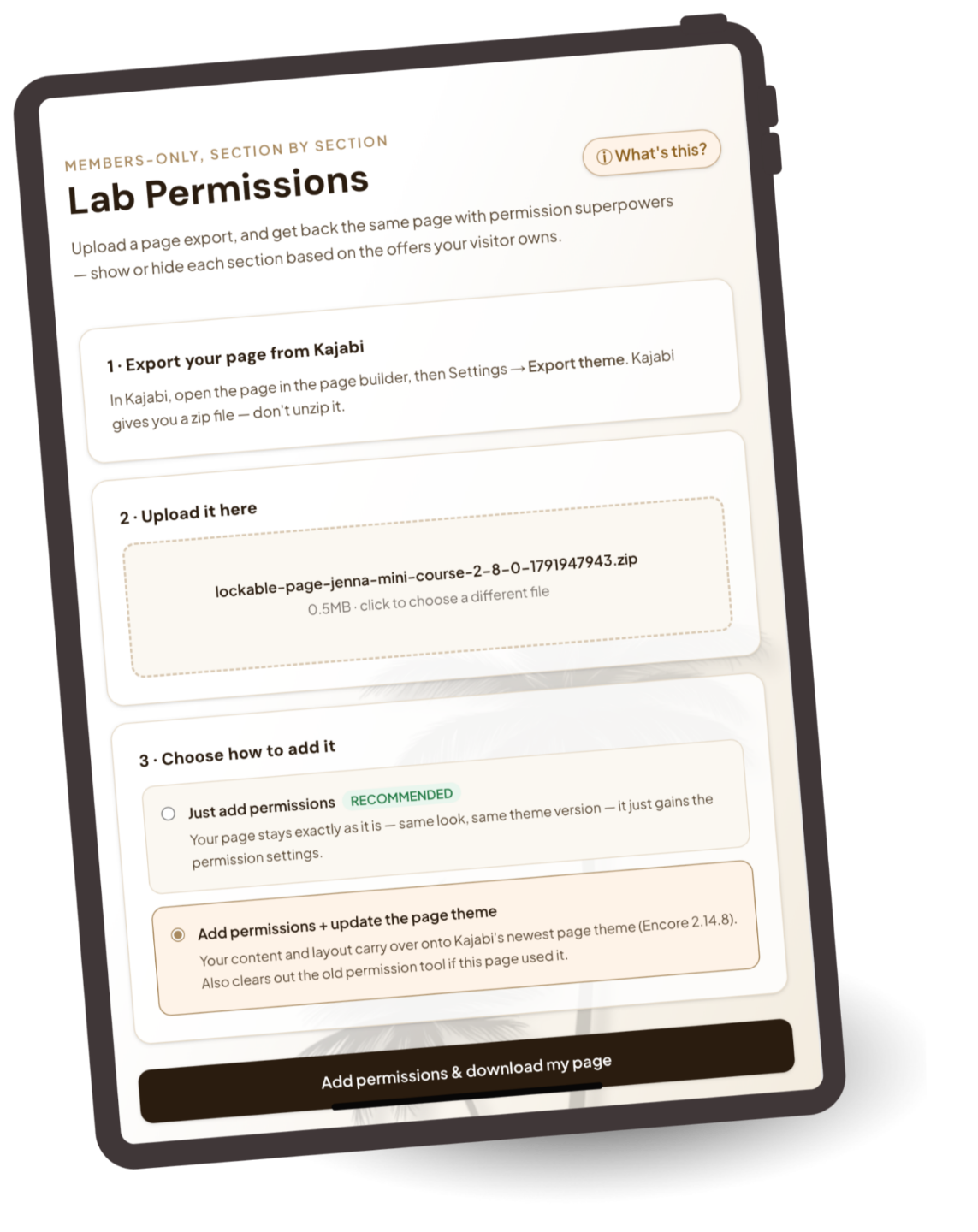
Option A · Just add permissions (most people pick this)
Option B · Add permissions and update the page theme
Either way, your page comes back looking exactly as you left it. And of course, I'm here if you need help.
A FEW WAYS PEOPLE USE IT
One tool, lots of pages.
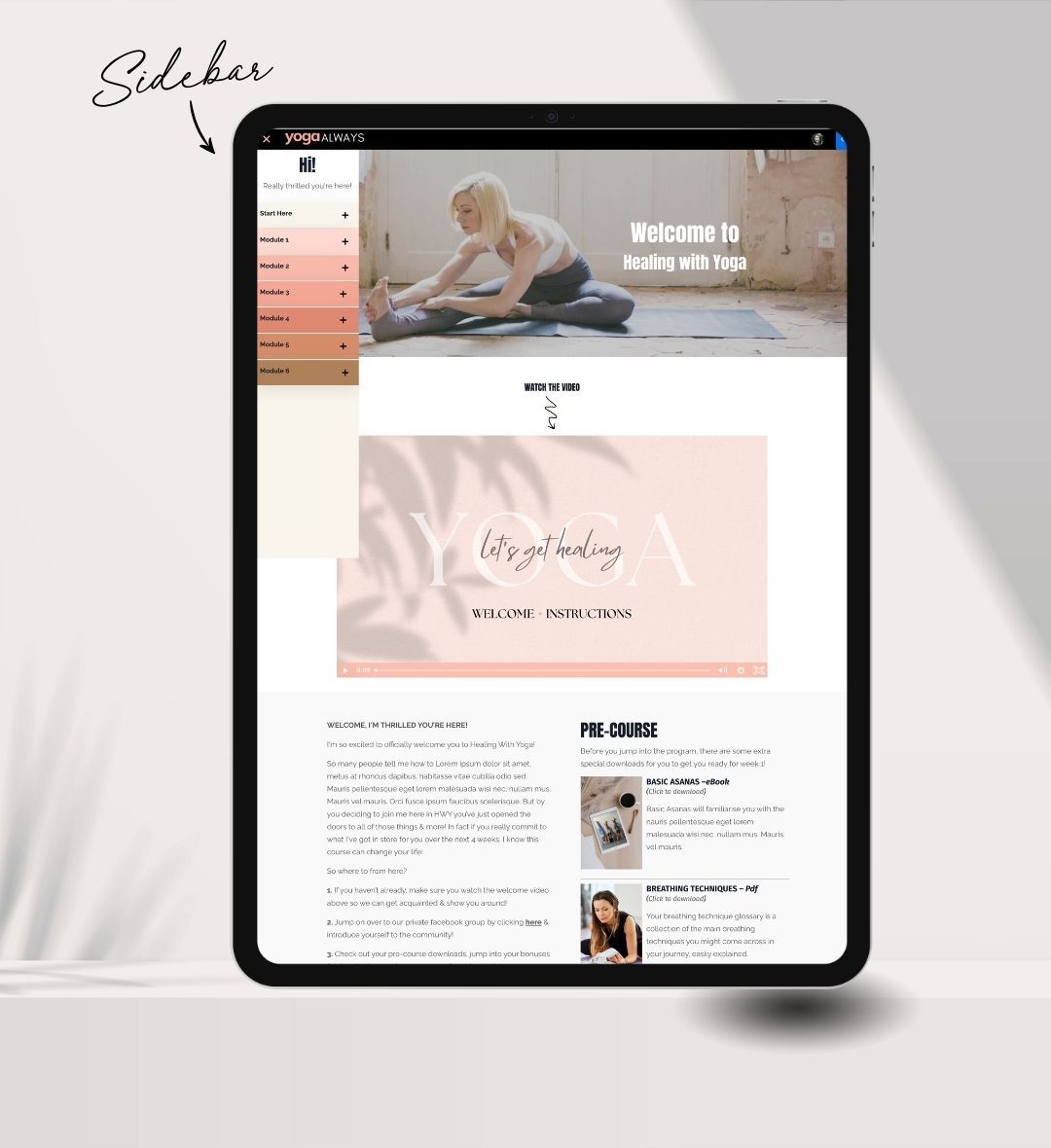
- A mini course on one page. Lessons as sections, unlocked by the course offer. No product slot used.
- Workshop replays. The replay page only opens for the people who paid for the workshop.
- A members' home page with tiers. Everyone logged in sees the welcome. Only the top tier sees the bonus section.
- A resources page for buyers. Downloads and links that only your customers can reach.
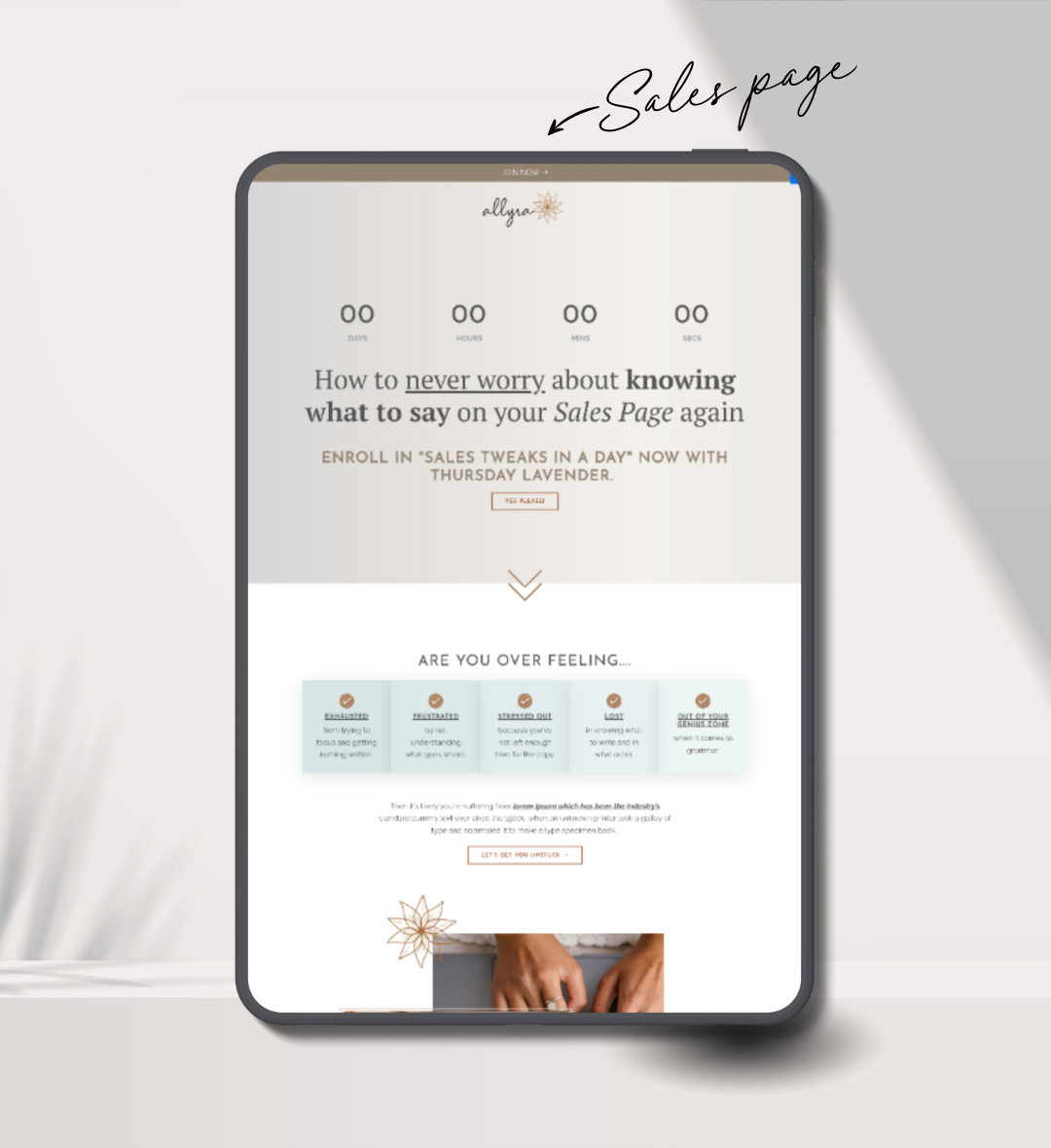
- A sales page that changes after purchase. The pitch hides once they've bought, and the "start here" section appears.
WHERE IT LIVES
Inside The Glow-Up Lab.
The tool sits in its own area of The Glow-Up Lab, the home of my Kajabi page tools. You log in with the email you buy with, a code lands in your inbox, and you're in. No password to remember.
It's sold on its own. It isn't part of The Full Glow-Up bundle, and you don't need anything else from the Lab to use it.
Use it on as many pages as you like, on your own Kajabi site, for as long as you like.
WHAT'S THE GLOW-UP LAB?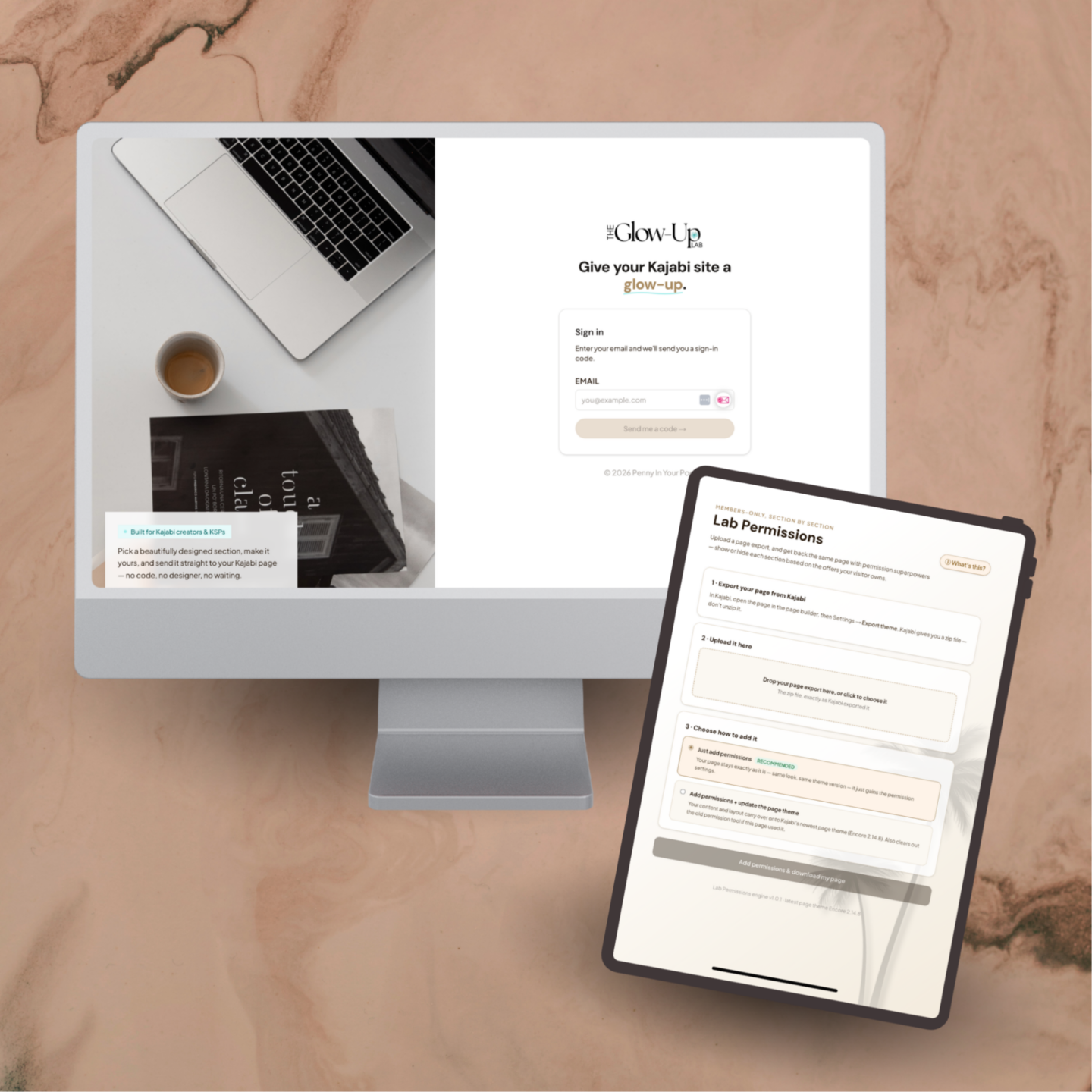
WHAT IT WORKS ON
A quick honesty check before you buy.
- Any Kajabi landing page built in the Encore page builder. Any version.
- Pages with custom code added through the page builder's code blocks.
- Kajabi's newer Nova pages. The tool is built for Encore only.
- Pages with custom code added using the code editor.
EVERYTHING YOU GET
The Permission Page Upgrade Tool
✔ The tool, inside The Glow-Up Lab
✔ Section-by-section "who can see this" settings
✔ Locked preview cards with price and buy button
✔ Page-level rules too: members only, specific offers, allowed emails, blocked emails, where to send people who aren't allowed in
✔ A login box that pops up on the page for visitors who aren't logged in
✔ Both install options: keep as is, or update the page theme
✔ Use it on as many pages as you like
✔ Future updates to the tool
$197 USD, one-time.
UPGRADE MY PAGE
Already own the old version? Your login still works, the tool's just moved into the Lab. Check your inbox or your Library for the instructions page.
"I'd also recommend Penny Clements' permission based pages. You can be super creative because it lets you lock the whole page or only certain sections. I've used them to deliver paid workshop replays so far."
— Andrea, Kajabi Course Creator
"Thank you so much for all your help. Your client service is the BEST I have ever experienced. It's why I look no further when I need a template for something in Kajabi."
— Natalie, Kajabi Hero & Author
"We are just setting up a website and a few products and have downloaded some epic templates from Penny Clements — blown away by the detail and delivery with training and overviews for each page, detailing code and cool tips and insights into optimising the templates. "
— Richard, Kajabi Course Creator