Calling all Kajabians...
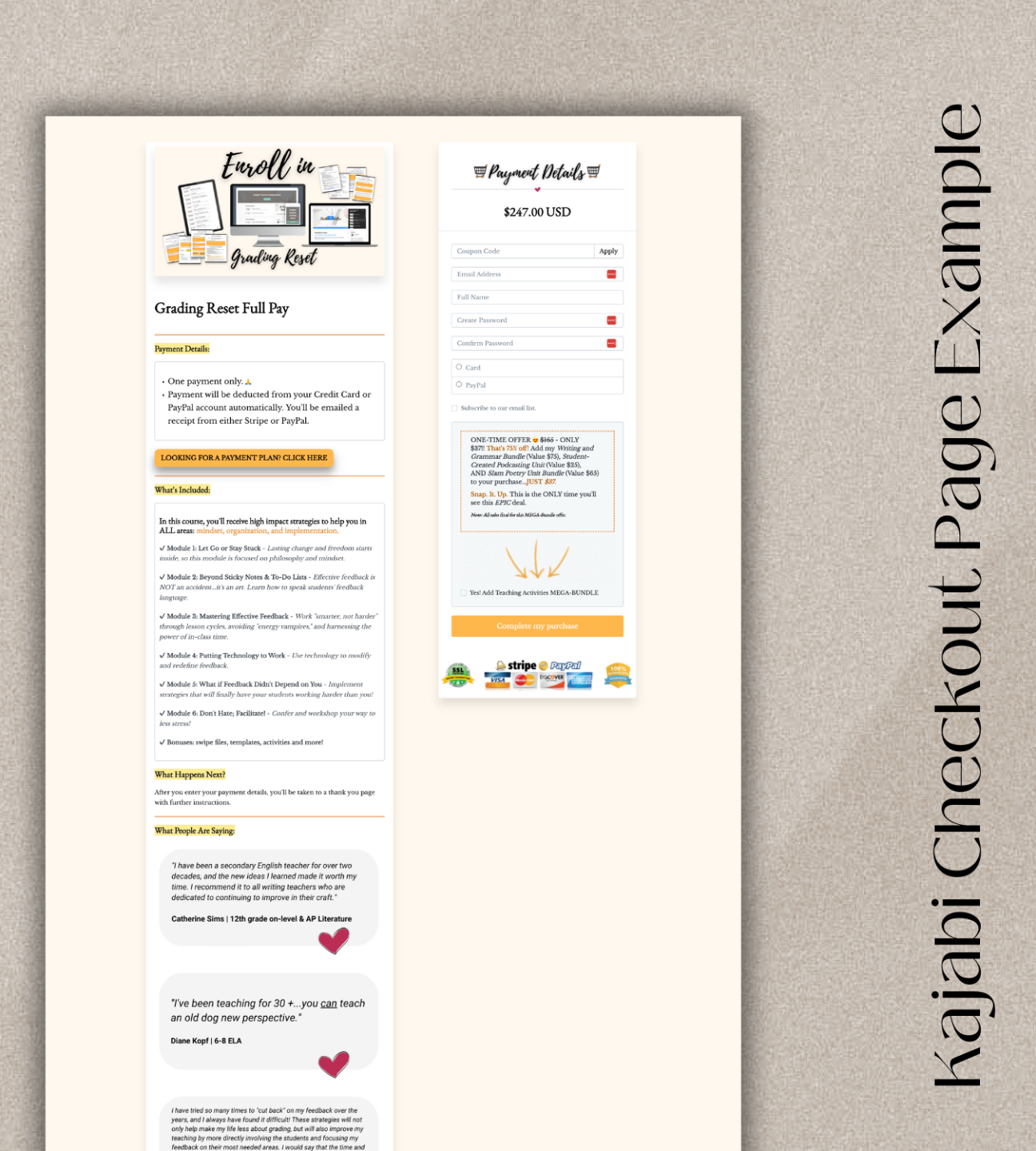
Ready to make your Kajabi 'Legacy' Checkout Page convert its pants off?
Introducing...
A KAJABI TUTORIAL
Glam Up Your Checkout Page
$79.00 USD
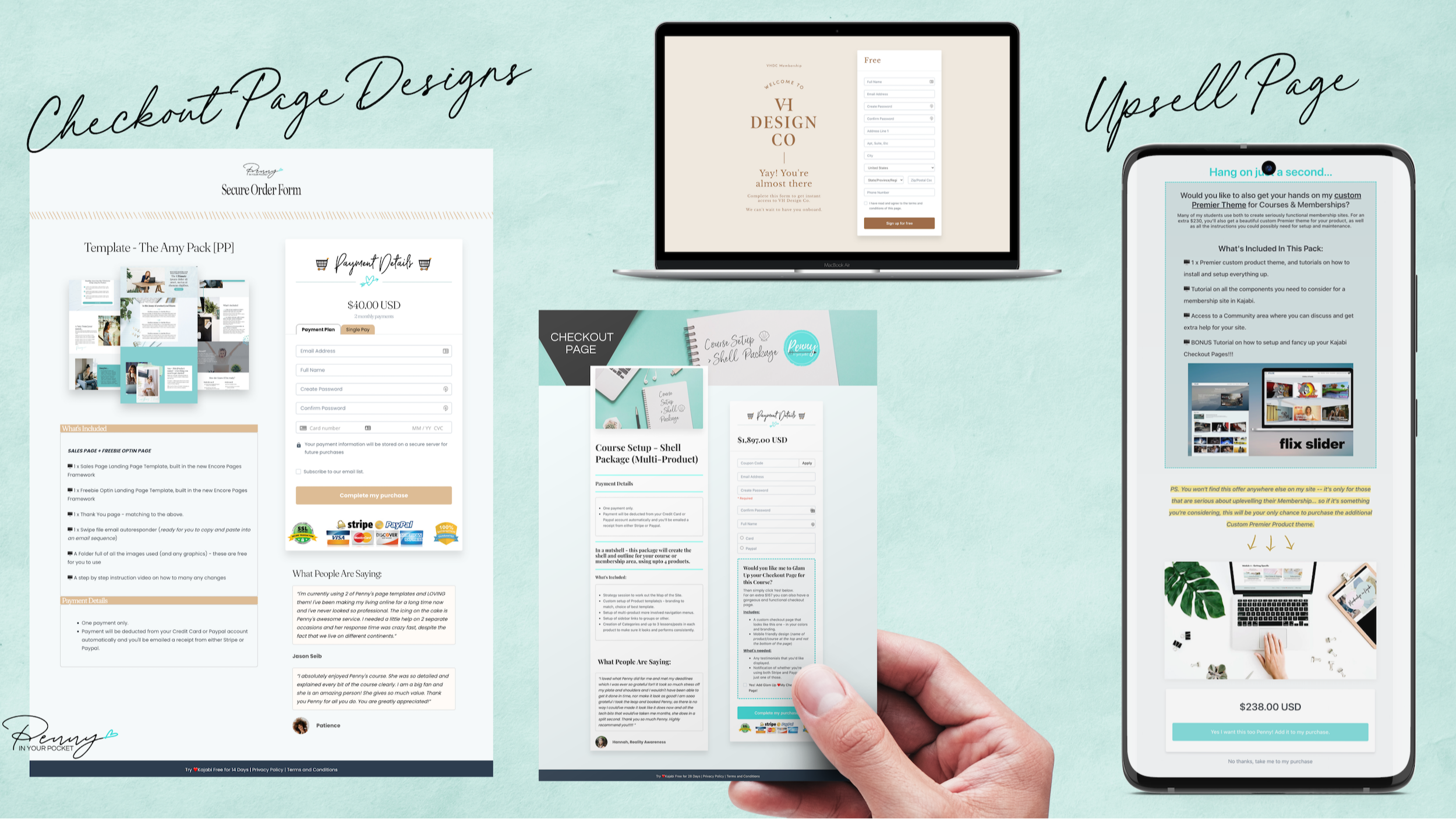
Transform Your 'Legacy' Kajabi Checkout Page Into a Conversion Magnet
Let’s be real. The standard legacy Kajabi checkout page? Kind of… 'blah'.
You’ve seen it, right? Bland. Boring. Missing that spark to seal the deal.
But what if you could take that snooze-worthy page and turn it into a professional, eye-catching, conversion-optimized masterpiece?
Friend, I’ve got your back!
Say goodbye to checkout page shame and hello to a page that not only looks stunning but is strategically designed to boost conversions. With my secret sauce code and styling hacks, you’ll save hours of frustration (and possibly missed sales) while creating a page you’re proud to show off.
Here’s what you’ll get:
- Simple, step-by-step video training: Perfect for tech novices or anyone who wants to tackle this solo.
- Pro tips for layout & content: What to include (and what to leave out) to maximize conversions.
- Customizable design elements: Change colors, add images, and use my ready-made graphics for an effortless glow-up.
- Easy-to-apply code: Choose between simple or advanced options—it’s all laid out for you.
How it works:
- Create your checkout page (don’t worry, I’ll guide you through it).
- Personalize it with colors and images using my time-saving suggestions.
- Add the magic code where it’s needed (choose your level of tech comfort).
And just like that… VOILÀ!
Your Kajabi 'Legacy' Checkout Page is now a professional, high-converting showstopper!
Don’t let another potential sale slip away because your checkout page didn’t make the cut. Let’s glam it up—together!
- How To Add Gif's to your Order Bump to make them standout.
- How To Add Borders to your Order Bump to make them standout.
- How to Highlight different areas of your checkout details
- How to add buttons on your page for payment plans or single plans
- How to add Trust Seals and Credit Card logos
- What the key areas on a checkout page are and why you need them.
- How to fancy up your UPSELL page.
- How to use a styling trick to show different currencies.
- How to move your testimonials to the right hand column, plus make them look a whole lot nicer.
- BONUS FREEBIE - courtesy of Jodee Peevor: How to add TABS and/or RADIO BUTTONS on the page that link to a second checkout page - great for monthly & annual payment options. PLUS I add in my own styling options to make it even better.
- BONUS LESSON - How to add 2 x CTA buttons to a pricing block on your landing page.
Things you need to know
Due to the digital nature of the product, no refunds are available so please make sure this tutorial is a match for your needs before completing your purchase!
This tutorial is for the original 'Legacy' Kajabi checkout pages. Not the 'new builder' checkout pages.
What Happens Next?
After you purchase, you're given access to your instruction files in a member's area.
Just follow the tutorials in the members area to learn how to make any changes. You can change the font to match your own, and the colors to match your own (or use it as is!)
If you need help at any time I'm only ever an email away.
Email support
if needed
1500 +
Students
Over 2000 pages
created
Guided
Instructions
What they're saying....
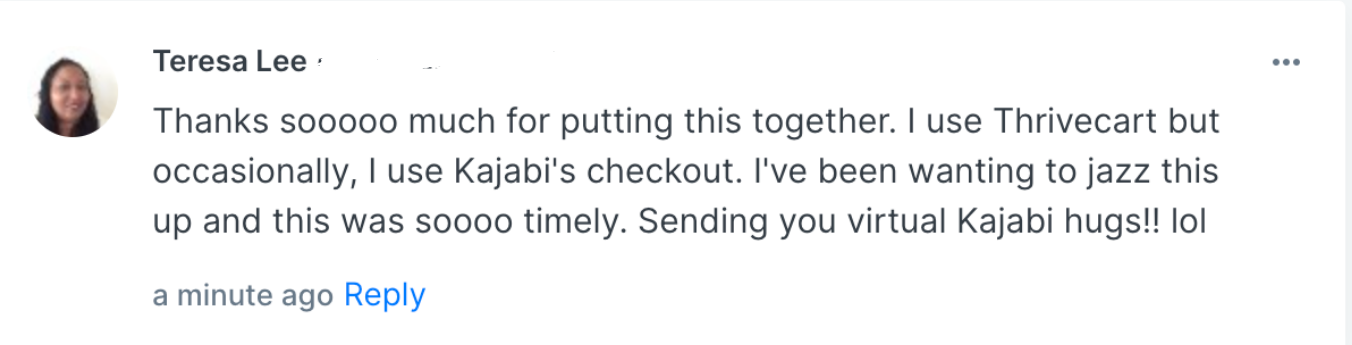
Teresa Lee
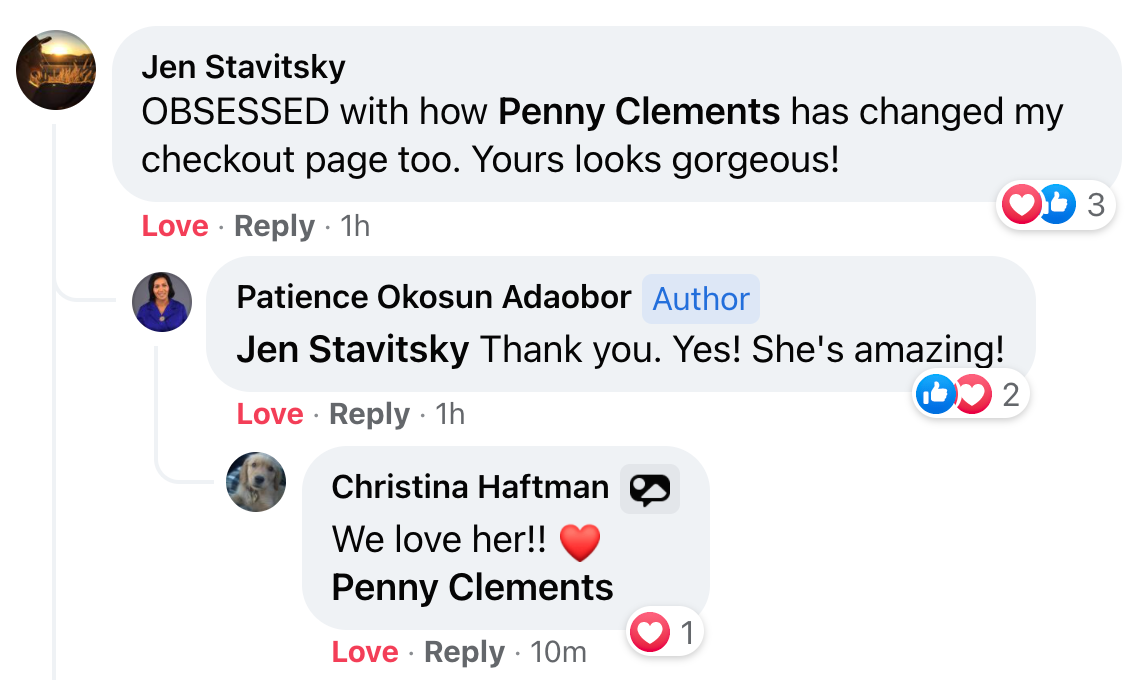

Josefine Wanner
Lana Gloschat
Hugo Ortega has left a new comment on "Checkout Page Glamour":
You’re a life saver. I can’t believe how much better this checkout looks than standard Kajabi. I didn’t want to look like a fake business, haha!
Gil Peretz
International Expert in Empathetic, Non-Manipulative Webinar Sales | TEDx Speaker
Plurthlings has left a new comment on "Checkout Page Glamour":
Wow! I had no idea you could modify checkout pages this crazy! 10/10 lesson!
Mel Mutterspaugh
Shuna Marr
The Homeschool Express has left a new comment on "Checkout Page Glamour":
Wow, thank you soooooo much for your lightning fast response, and sharing that link and code! We will be sure to share the page with you! Thanks to YOU it's looking amaaaaaaaaazing!! I'm soooo excited!!!
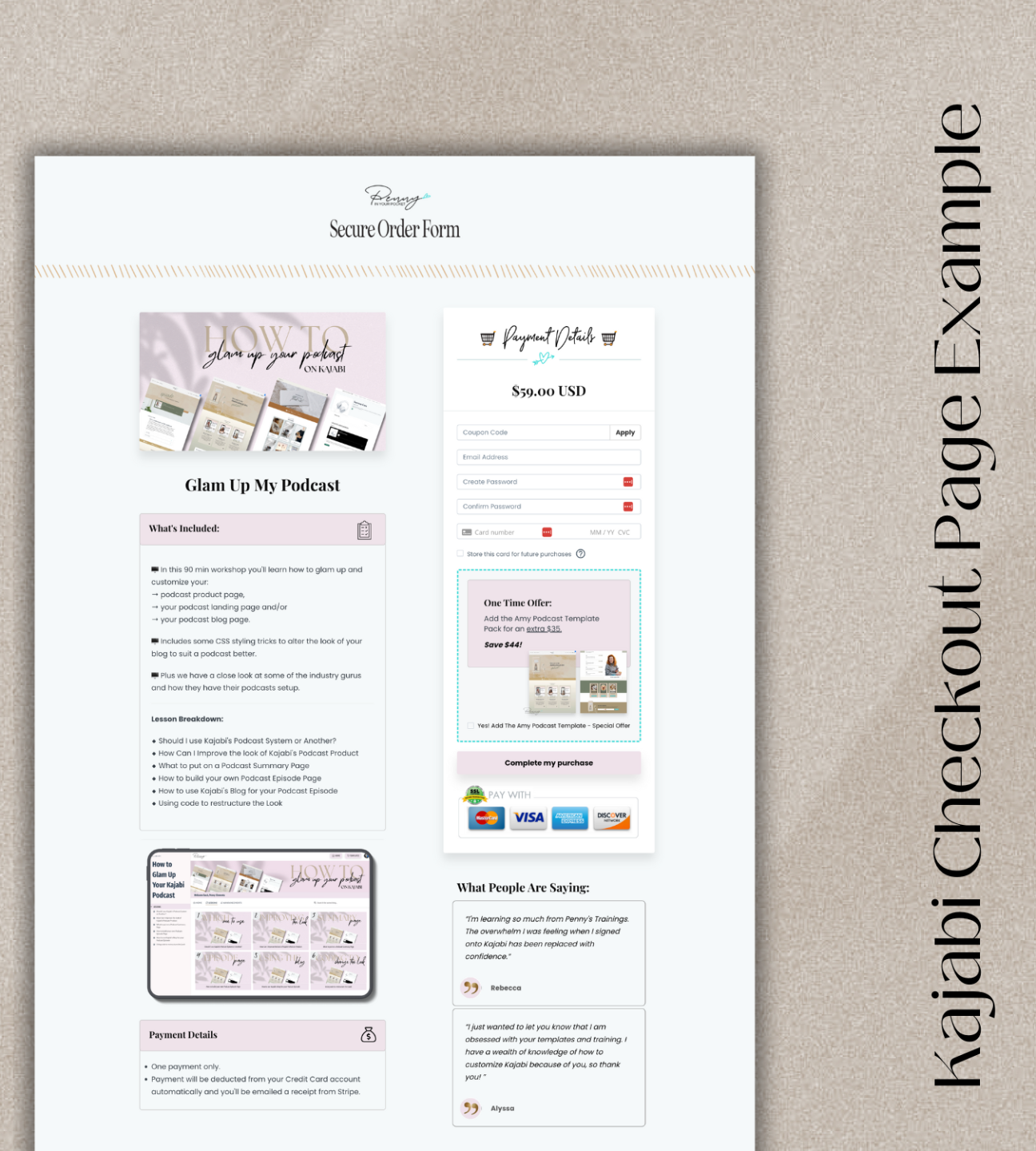
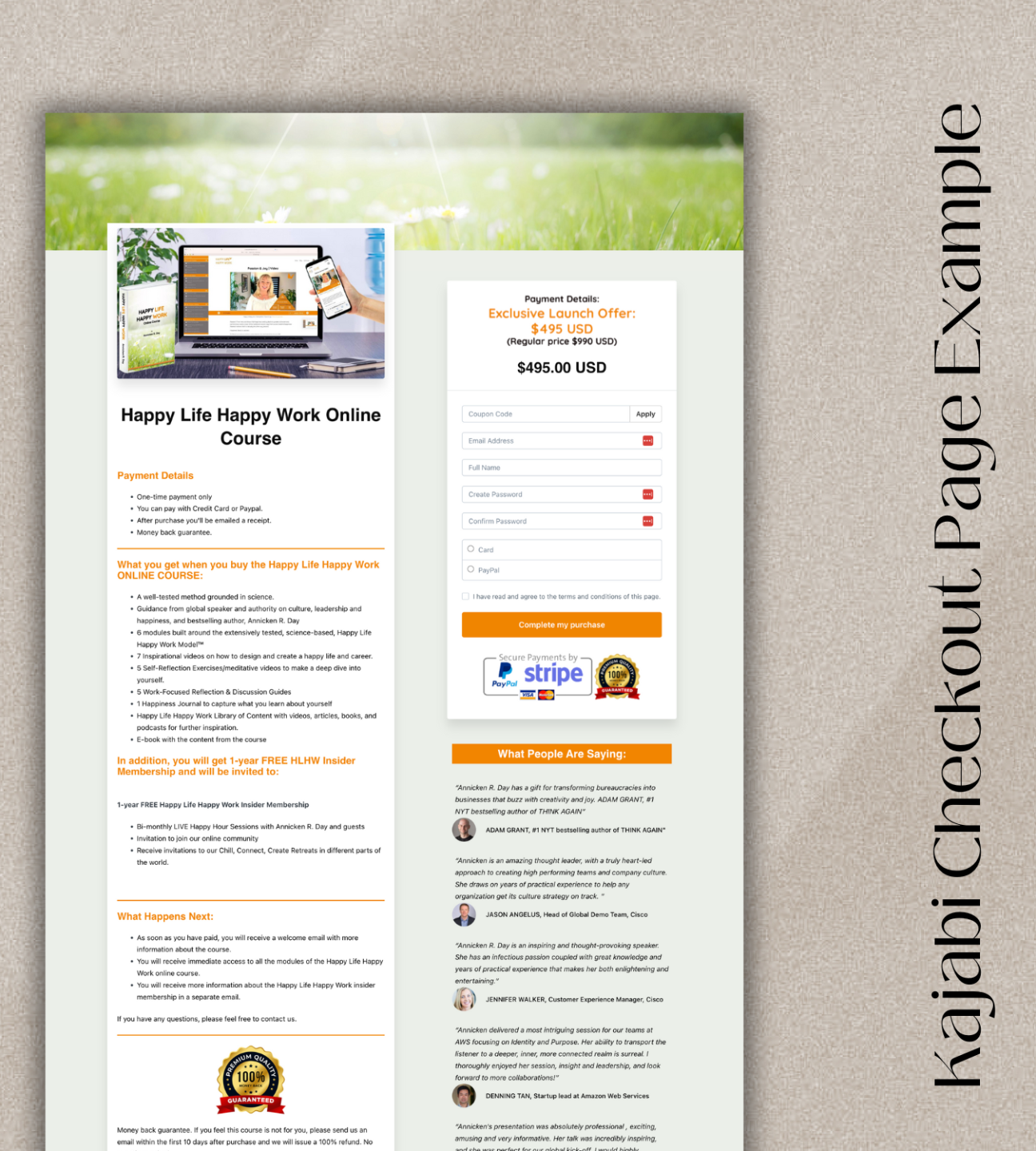
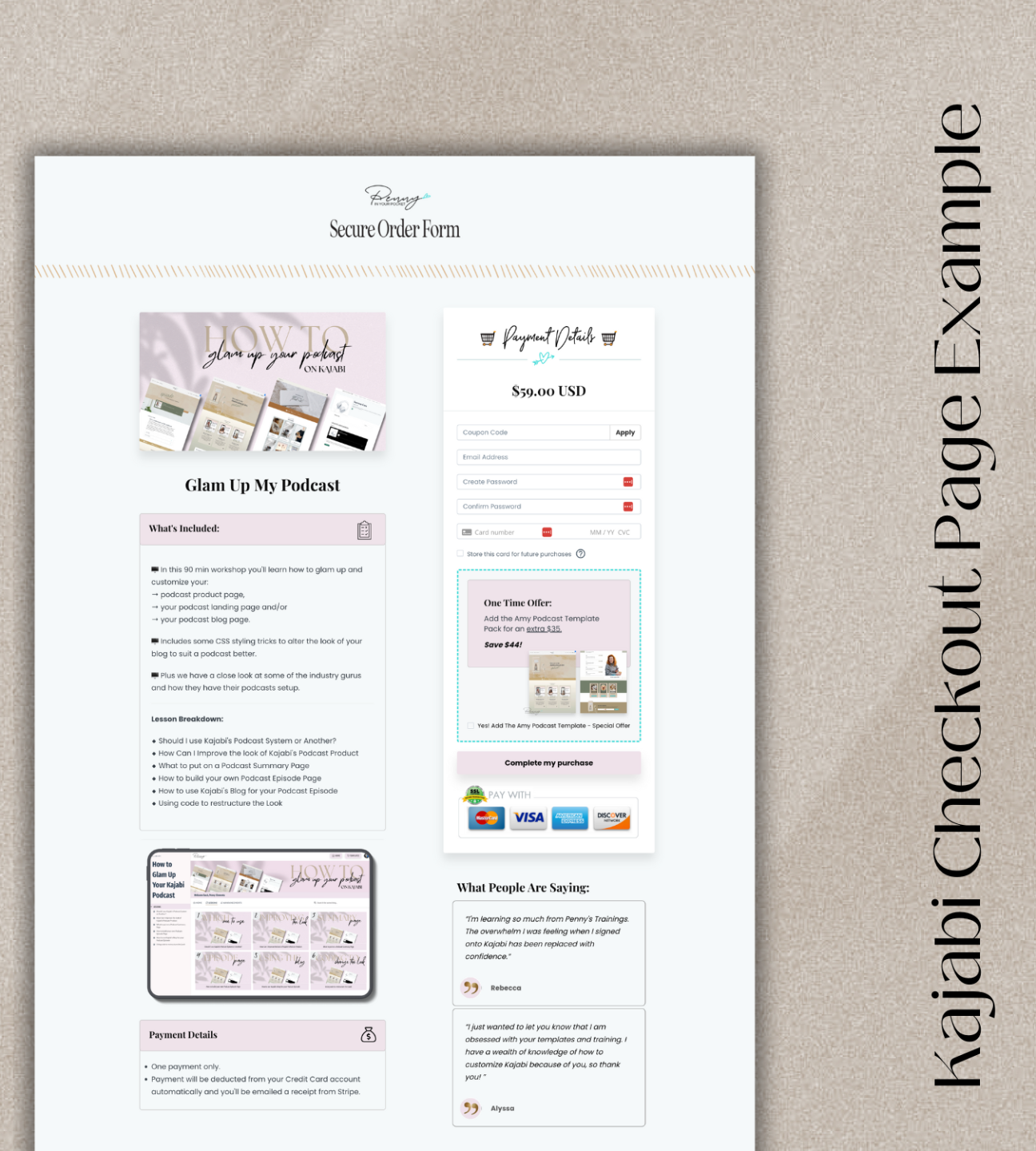
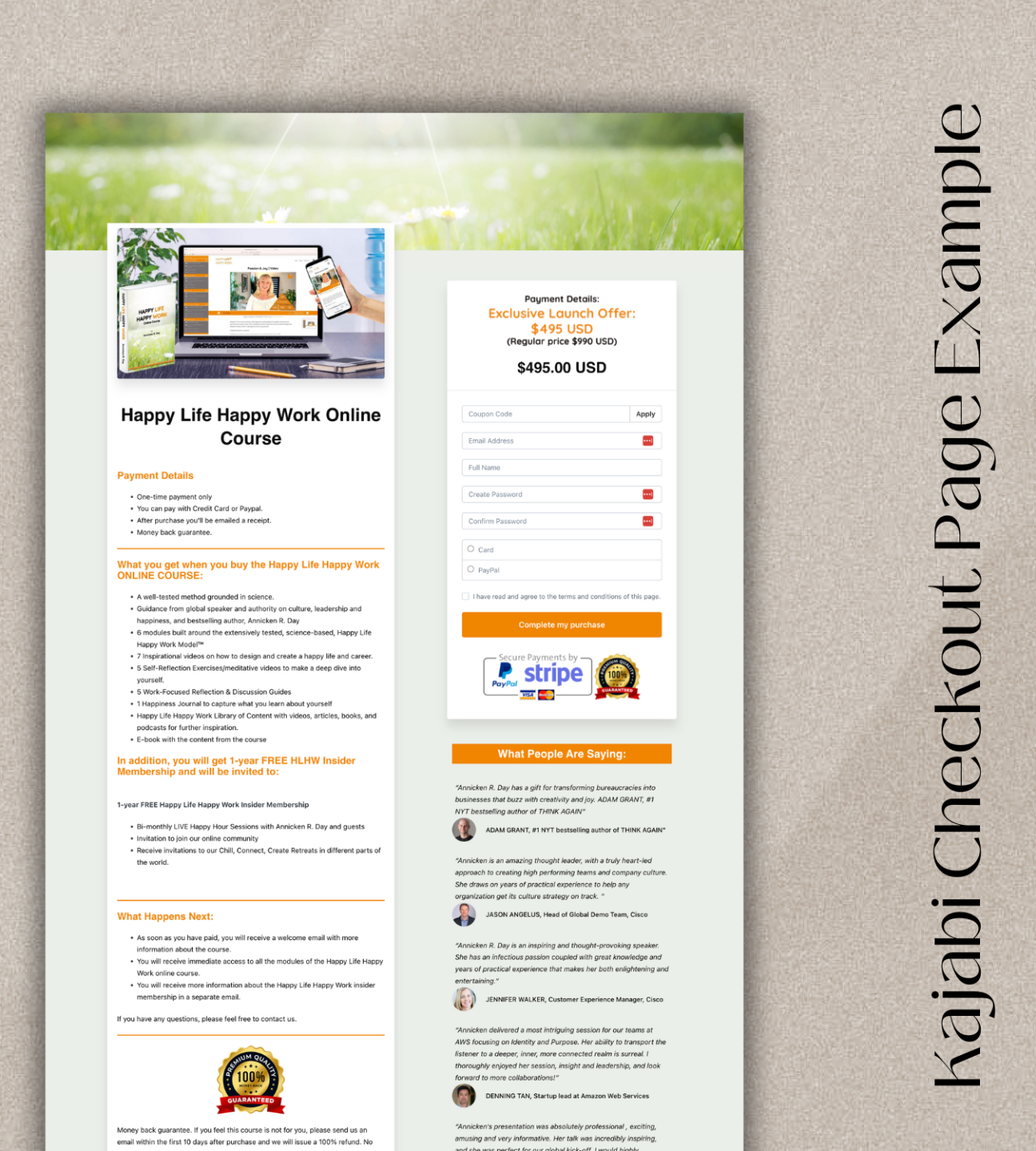
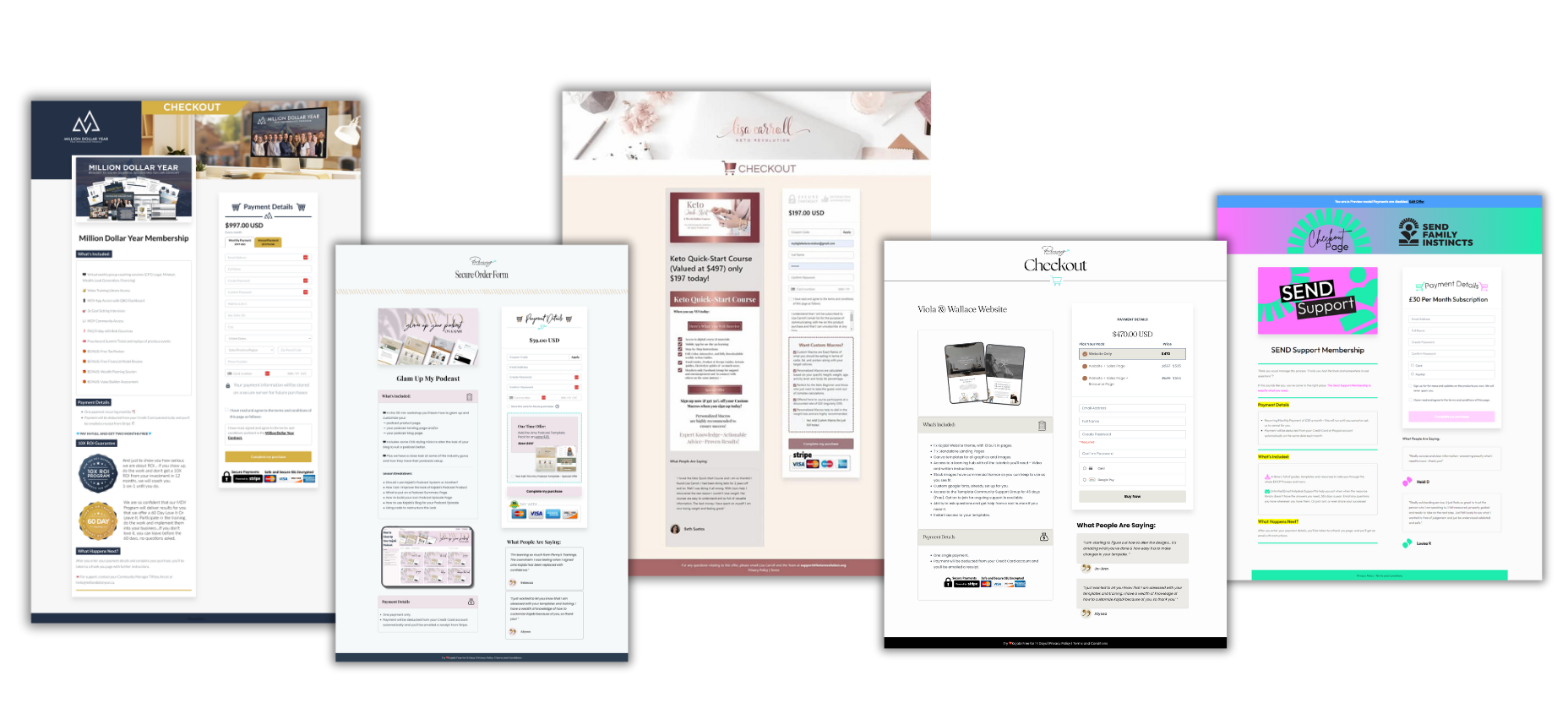
Check out these example pages

Built On Kajabi
There's no add-ins, or add-ons for this. It's simply me showing you how to style up your existing 'Legacy' Kajabi checkout pages. We dive into all the components you need, plus more.

Unmatched Support
Let's not beat around the bush - you've got a business to run and you've purchased a tutorial to save you time. So of course you want to know you have real human support at your fingertips → I'm only ever an email away.

Custom Styling
There is some custom code & styling that is used -- but rest assured you get full instructions on how to apply it. Plus, you can reach out if you get stuck!

"Very grateful to have found this course! I've been trying to write in feature requests and surveys to Kajabi for YEARS about a better checkout experience. They do everything else top-of-the-line in the industry, but really drop the ball hardest and the most important part of the website! Thank you for making this course, I had no idea it was possible to actually modify the style of these checkout pages. Great job creating this effective way to upgrade Kajabi Penny! Thank you :)"
Monsoon von Plurth
https://www.plurth.com/
Frequently Asked
questions...
How Does It Work?
Do I need to know how to use Kajabi?
Is there a Guarantee?
Is it Easy to Use?
Is this tutorial for the new checkout builder?
Do I Need to Access To The Theme Code Editor?
Is it Mobile Optimized?
Still Have A Question?
No problem, pop it in below and I'll get back to you soon! (Usually within 24hrs)
Don't be shy... ask away....🤔
No spam ever. Unsubscribe at any time.
Who is this
Penny
chick?
The Chit Chat Version:
A mom, nature lover, entrepreneur [just like you]..., a computer geek, an avid learner, a creative, a master number (according to numerologists??? 🤔), someone who loves to travel (although I'm loving where I live currently) and someone who loves meeting people from all walks of life!!
The "As Professional As I Get" Version:
Penny Clements has been designing, creating, selling and using Kajabi since 2015 and was an early adopter of the platform when it relaunched. Having worked with various big names in the online industry, and helping them move to Kajabi, she has well and truly earned her stripes and understands this program better than most. But she’s also a creative and software ‘tinkerer’ from way back -- it was inevitable she would power up her keyboard and take Kajabi to another level.
Hence Kajabi Product Themes, Websites and Page Templates were born. 🥳