Simple + Functional
Grab the Sleek Product theme...
Perfect for courses, memberships and resource areas.
KAJABI - Style it your way.

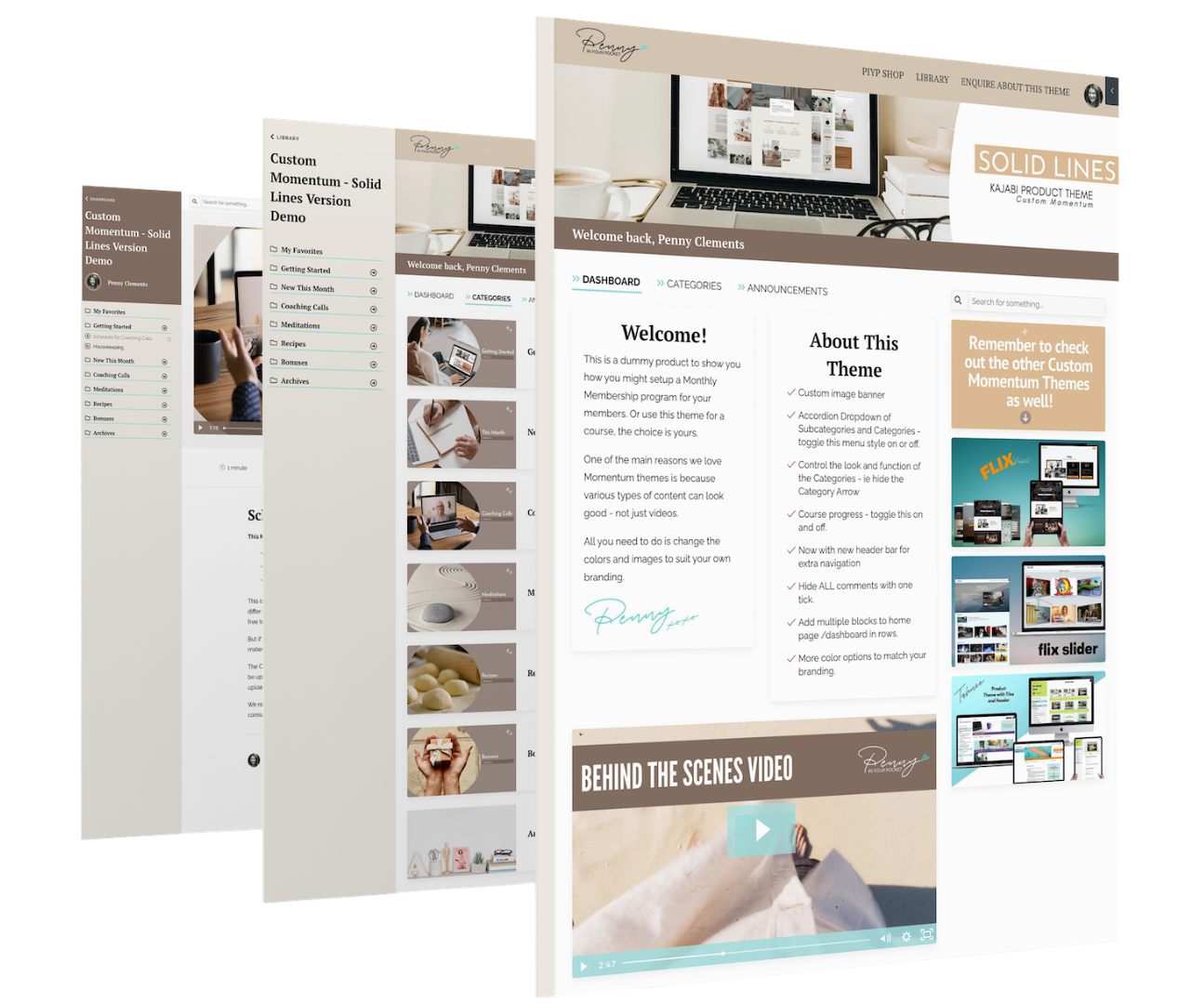
But why would you pay money for a custom theme? Why wouldn't you just use the normal Kajabi Momentum Product Theme?
In short.... Because if you're anything like me, and you value beautiful design as well as really well thought out functionality.... then the stock standard themes ain't going to cut it!
No offence Kajabi - we love you ❤️, but sometimes a little bit of bling or an extra cool function can make you even better!!!
So... if you value having a good-looking, well branded, and easy to use Members Portal --> then have a look at custom product themes & templates.

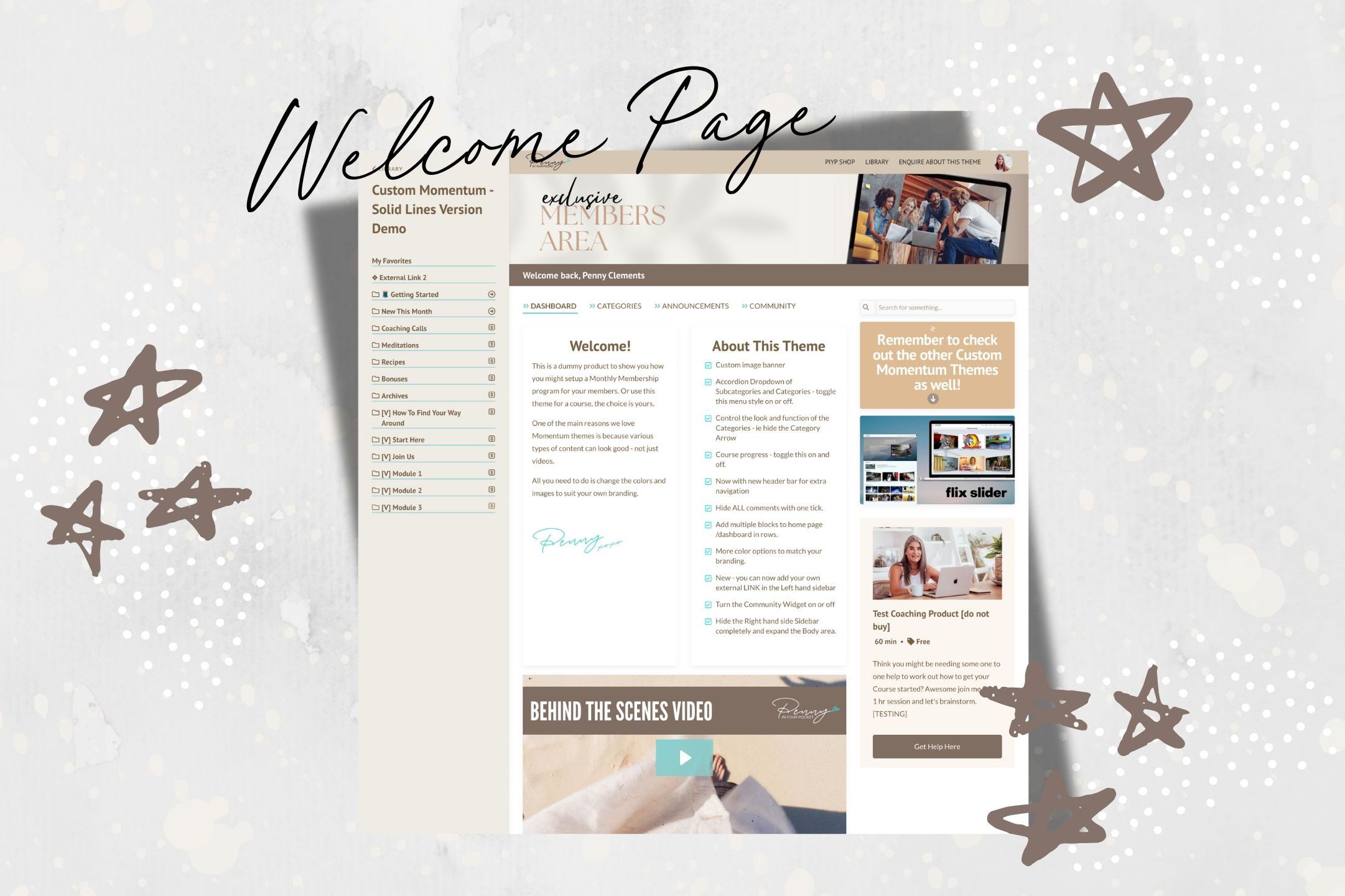
Create your own welcome page
Add blocks of text, images, cards or videos. This area is split into 2 columns area, a main dashboard and a sidebar. You can choose to hide the sidebar, and style the blocks with a border and background color - as well as making them all the same height in a row.
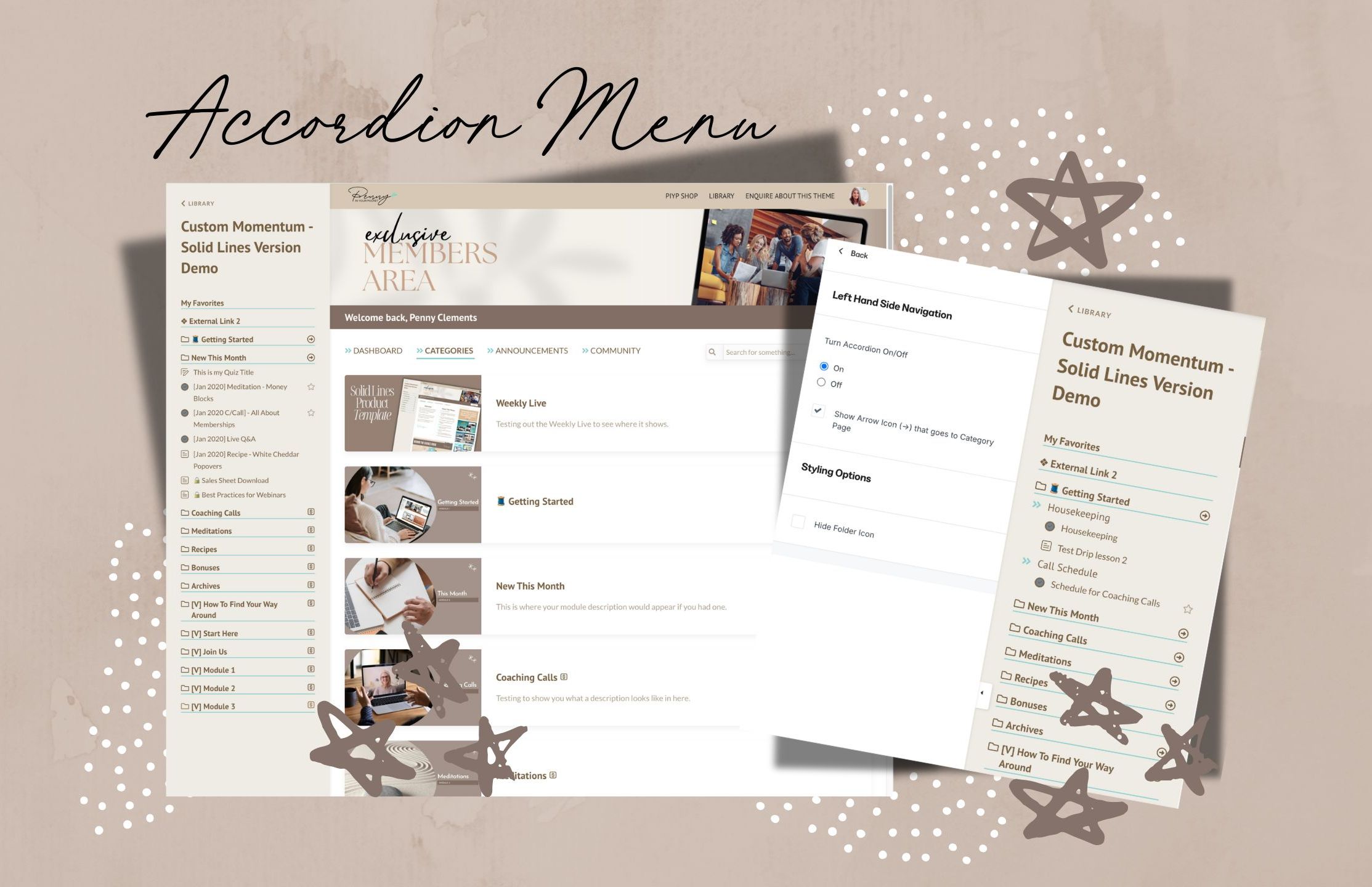
Shrink or Expand the menu
This is as easy as turning the Accordion on or off!
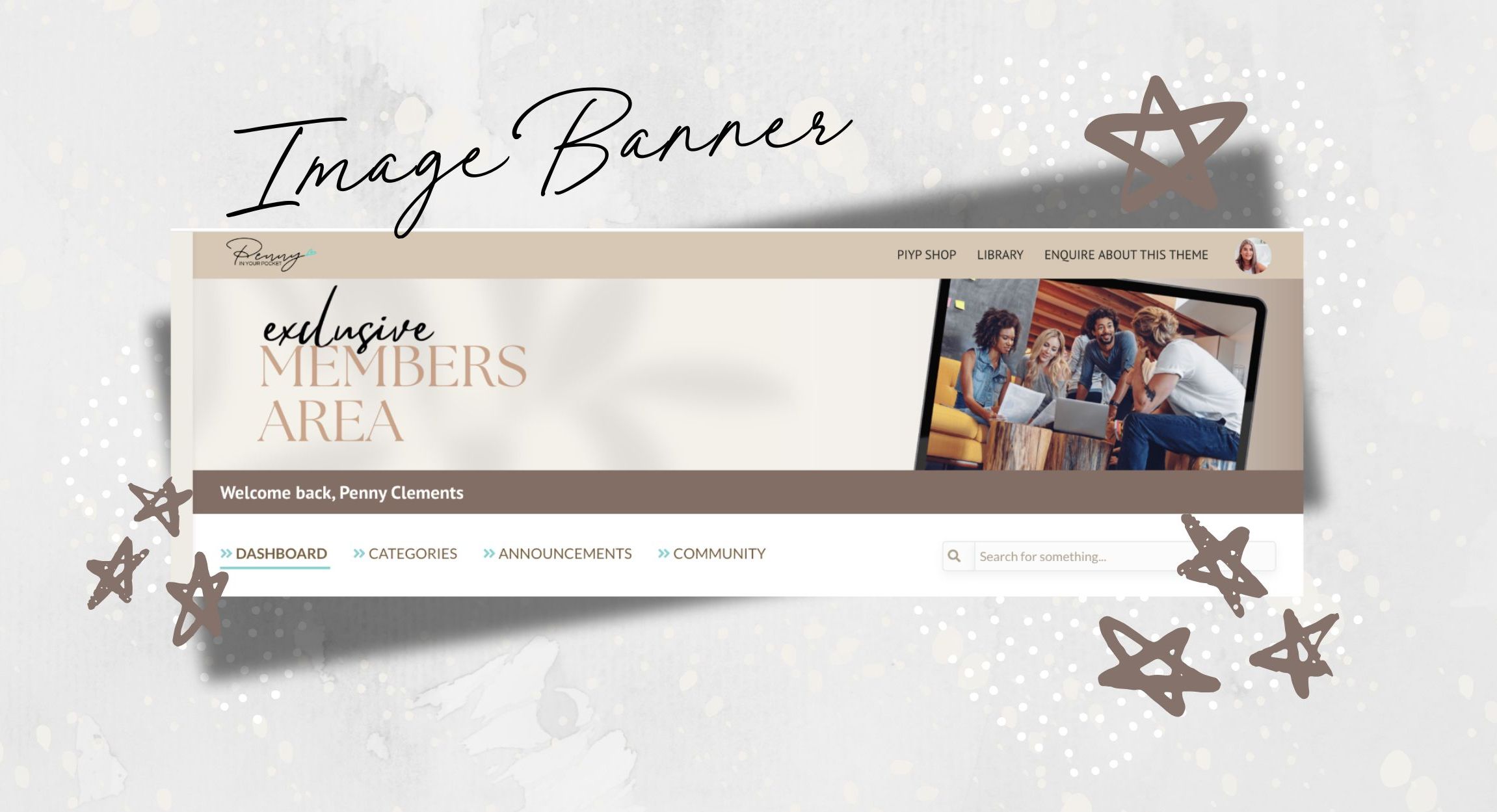
Add in an Image Banner, and a Header
You can add in your logo, navigation menus and call to action buttons in the header. Note: the header appears on all pages.
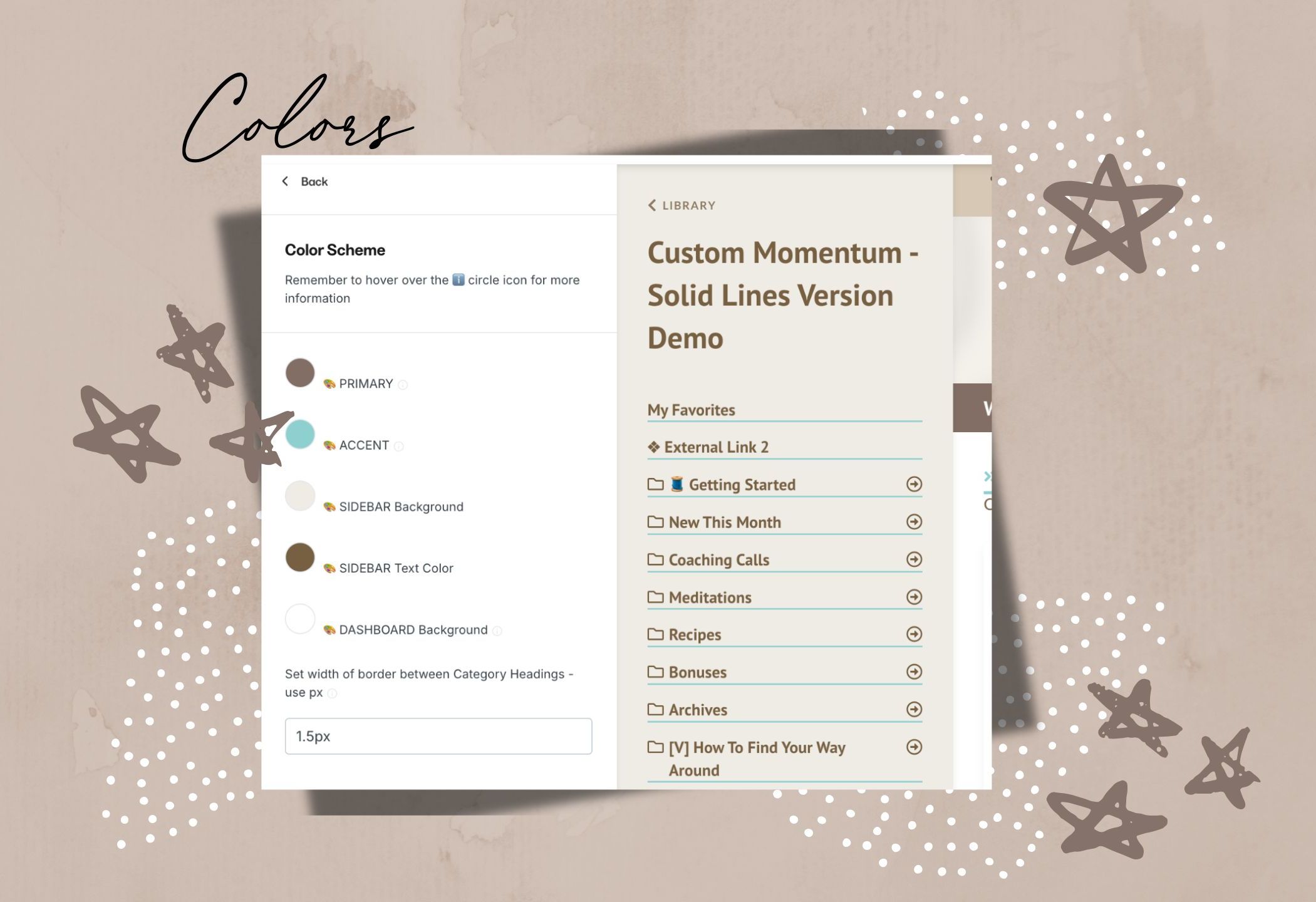
Add in Your Brand Colors
You have even more control over where you want your brand and colors to appear!
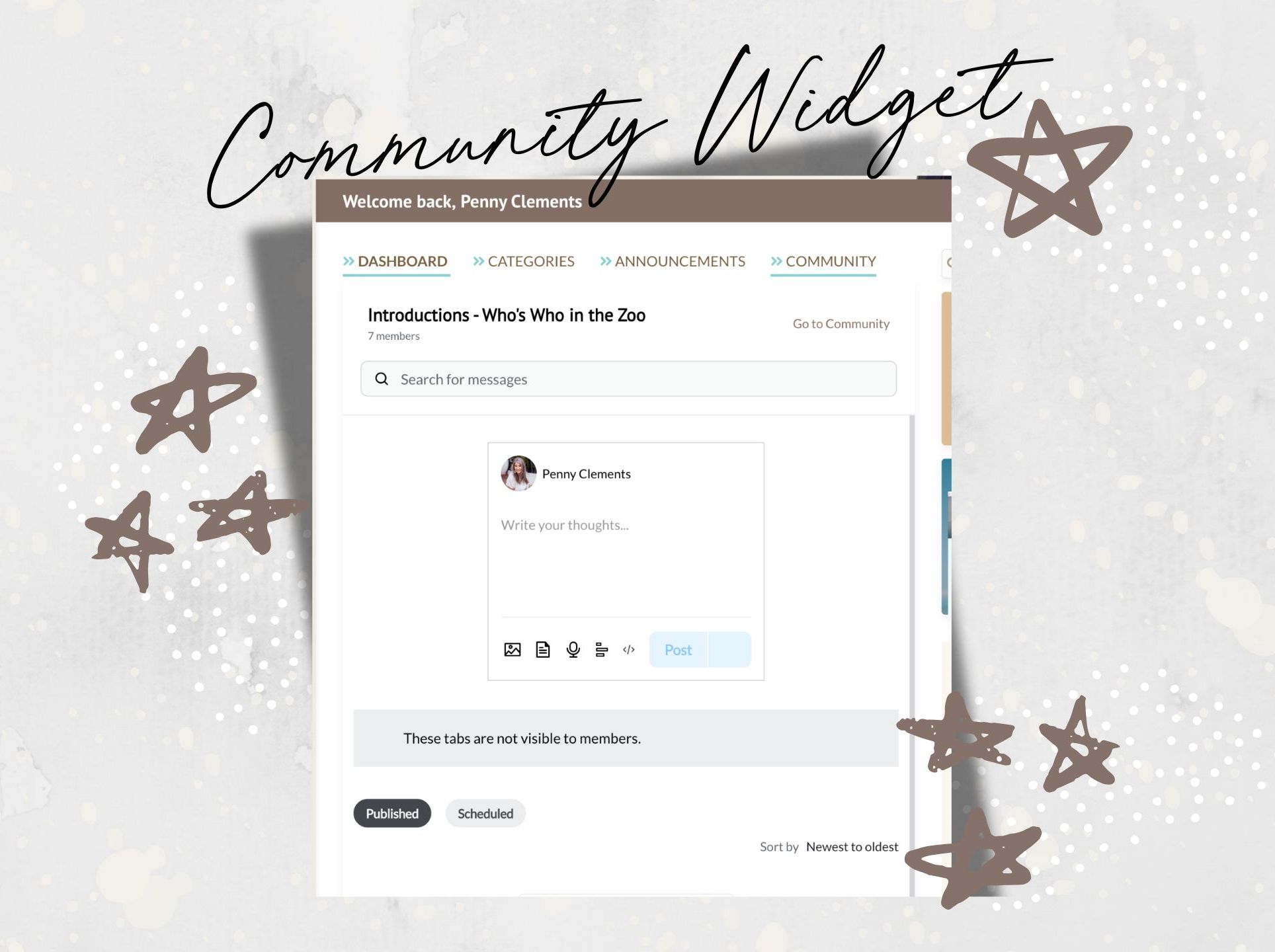
Community Widget
Choose to show or hide the Community Widget. Link it to your Kajabi Community Product.
Hide or Show
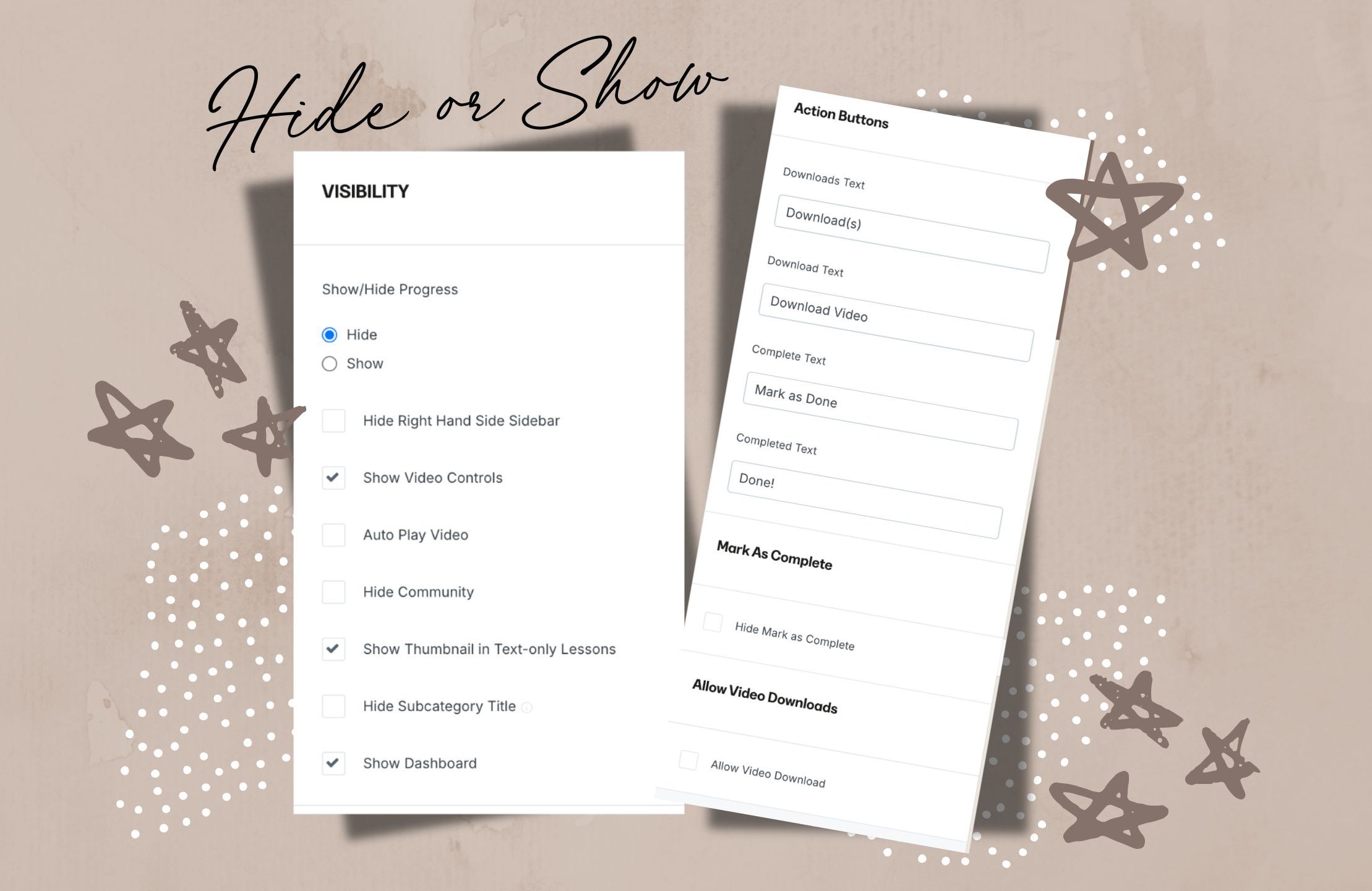
The choice is yours. Pick from various items to either show or not. Some items might not make sense for the type of content area you've created, so now you can set this up to suit.
You can even choose to hide the SubCategory Titles - great for doing a dripped challenge!!!
And you can also choose to give the option for students to download your videos.
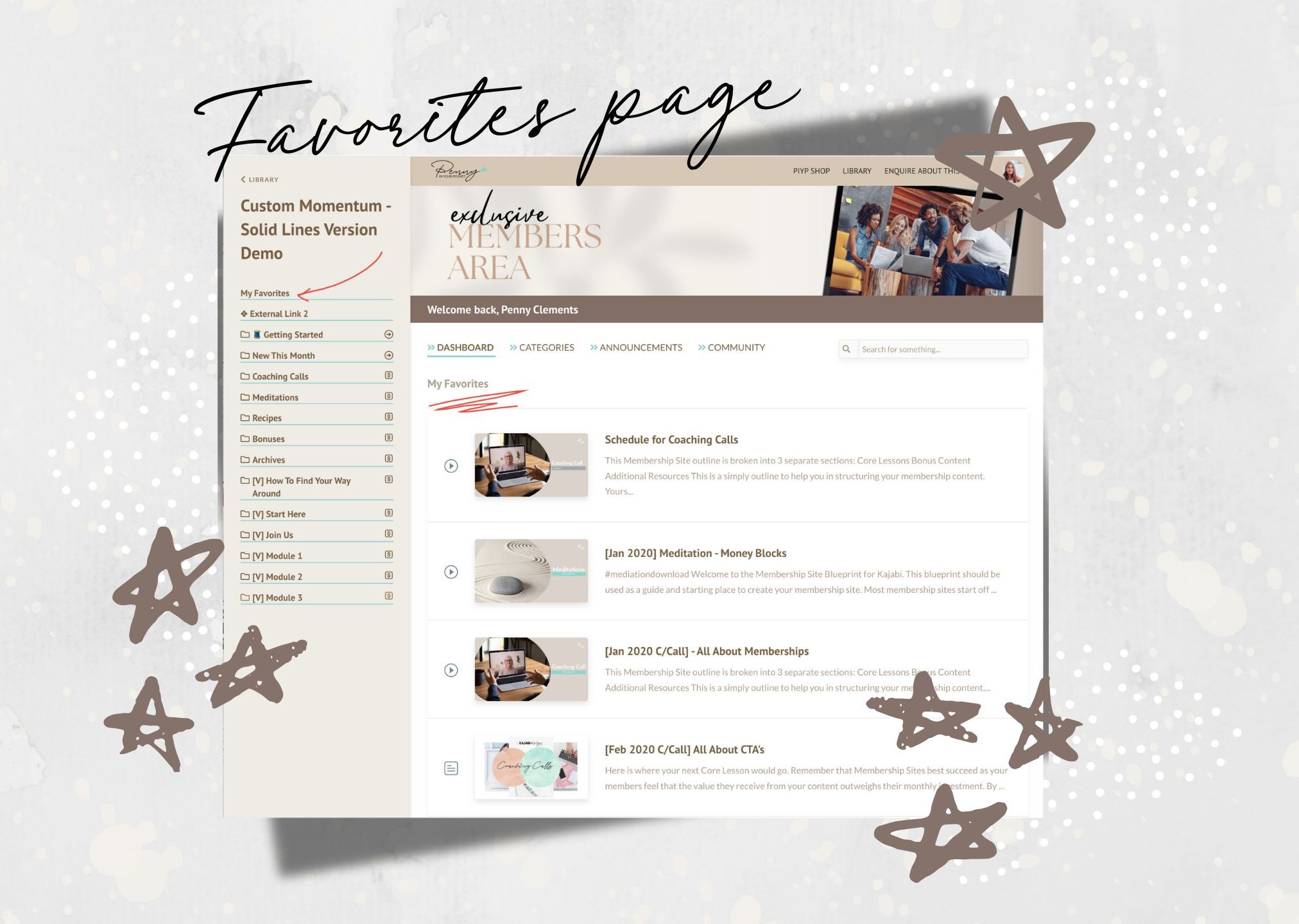
Comes with a Favorites Page
You can choose to show this or not. It's great for your students/members to be able to mark lessons as a favorite and find them all on one page.


Single Payment
$197 usd
One time payment.
Yep you read that right... there's no monthly payment or ongoing licensing fees!
FAQ's
Can I Edit This Theme In My Own Kajabi Account?
Is there a Navigation Menu Bar at the top
How Does the Accordion Dropdown Work?
Is it Easy to Use?
Will it Mess Up the Work I've Already Done?
Can I Change The Colors?
Does it work with Kajabi's Native App?
Do I need a higher Kajabi Plan to use it?
Will I get Updates?
Are there Terms & Conditions

Who is this
Penny
chick?
The Chit Chat Version:
A mom, nature lover, entrepreneur [just like you]..., a computer geek, an avid learner, a creative, a master number (according to numerologists??? 🤔), someone who loves to travel (although I'm loving where I live currently) and someone who loves meeting people from all walks of life!!
The "As Professional As I Get" Version:
Penny Clements has been designing, creating, selling and using Kajabi since 2015 and was an early adopter of the platform when it relaunched. Having worked with various big names in the online industry, and helping them move to Kajabi, she has well and truly earned her stripes and understands this program better than most. But she’s also a creative and software ‘tinkerer’ from way back -- it was inevitable she would power up her keyboard and take Kajabi to another level.
Hence Kajabi Product Themes, Websites and Page Templates were born. 🥳

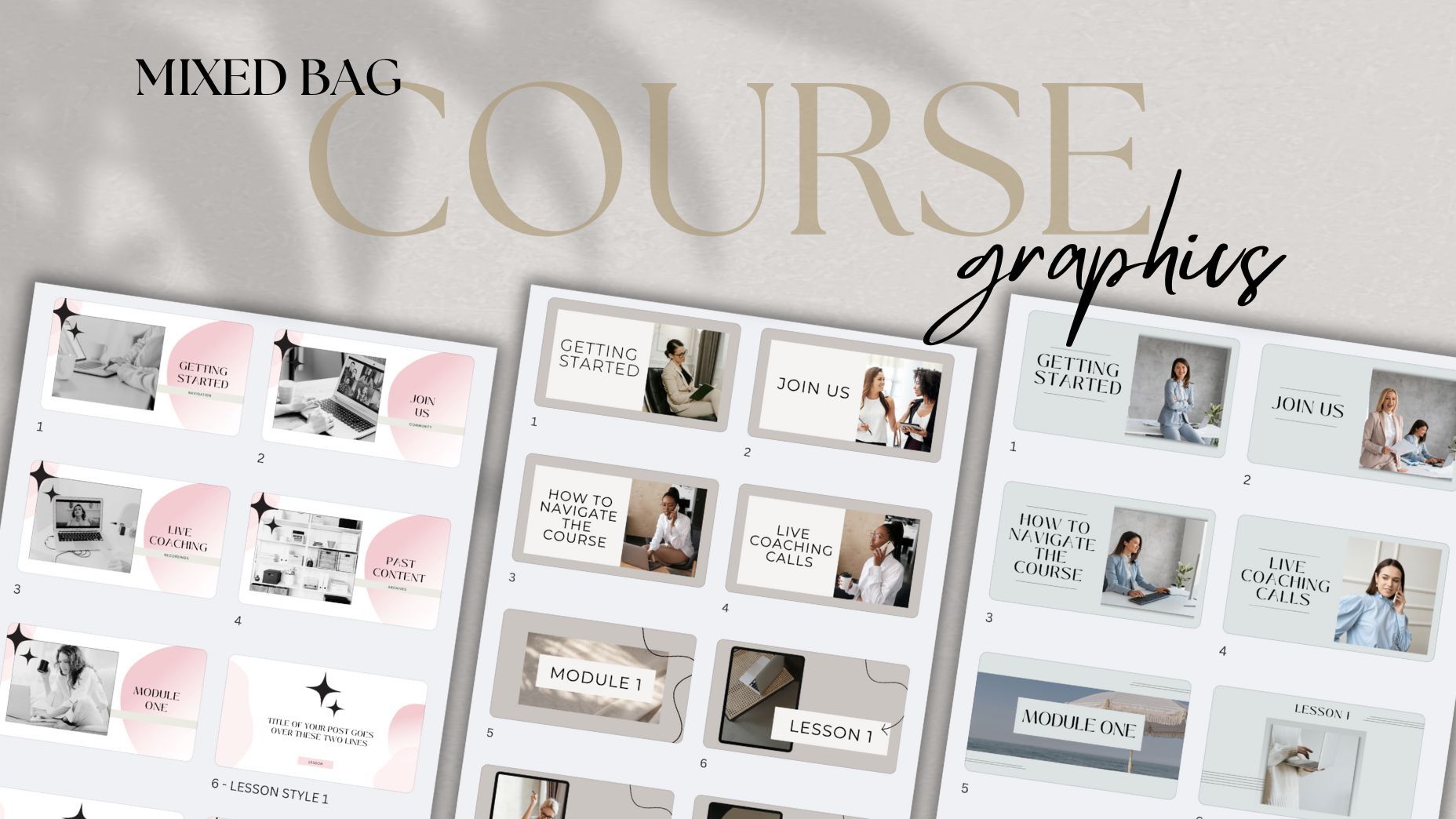
Need any Course Thumbnail Images + Other Graphics?
Save yourself some time and grab these canva templates along with your product theme!!